
Link your Phone As A Key™* so that you can use the Ford app to lock or unlock doors, start or stop your vehicle remotely, or control the liftgate from your smartphone. Use the information below to link your Phone As A Key to your SYNC®* 4A profile.
Follow the steps below.
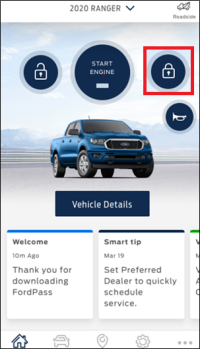
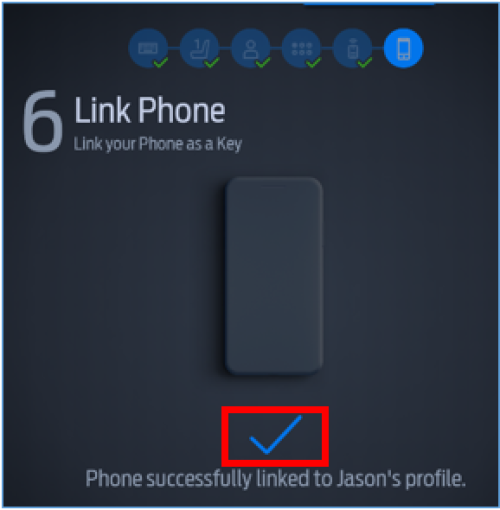
Hold down the Lock button on the Ford app until a blue checkmark appears on your vehicle's SYNC screen.
What is Phone As A Key?How do I set up a Phone As A Key?How do I use the Backup Start Passcode?How do I use Valet Mode with Phone As A Key?How do I delete Phone As A Key?Phone As A Key is not working. What do I do?
*Available on select vehicles. Requires feature activation. Not compatible with all smartphones.
**Don’t drive while distracted. Use voice-operated systems when possible; don’t use handheld devices while driving. Some features may be locked out while the vehicle is in gear. Not all features are compatible with all phones.
The Ford app, formerly known as the FordPass® app, compatible with select smartphone platforms, is available via a download. Message and data rates may apply. Terms and conditions apply. Visit ford.com for our privacy notice.
Did we answer your question?
Get support from Ford AI