Who leaves ratings and reviews?
Ratings and reviews are provided by customers who have either purchased a vehicle or visited a dealership for service.
How are ratings and reviews collected?
Customers are invited to participate in a survey administered by MaritzCX, an independent, third-party supplier.
Can dealerships edit or remove reviews?
No. Ford personnel and/or dealership personnel cannot modify or remove reviews.
Are reviews modified or monitored before being published?
MaritzCX moderates public reviews to ensure they contain content that meet Review guidelines, such as:
‣No Profanity or inappropriate defamatory remarks
‣Fraud
‣No Personal Identifying information (e.g., customer phone number or email)
‣No Competitor references (e.g., another brand or dealership)
‣Dangerous behavior (e.g. threatening to harm employees or others)
‣Lack of adequate text (e.g., symbols, emoji’s and random letters)
Reviews on the product and not the customer’s Sales or Service experience
How to Use BlueCruise
Step 1
Enter a Blue Zone
Highway
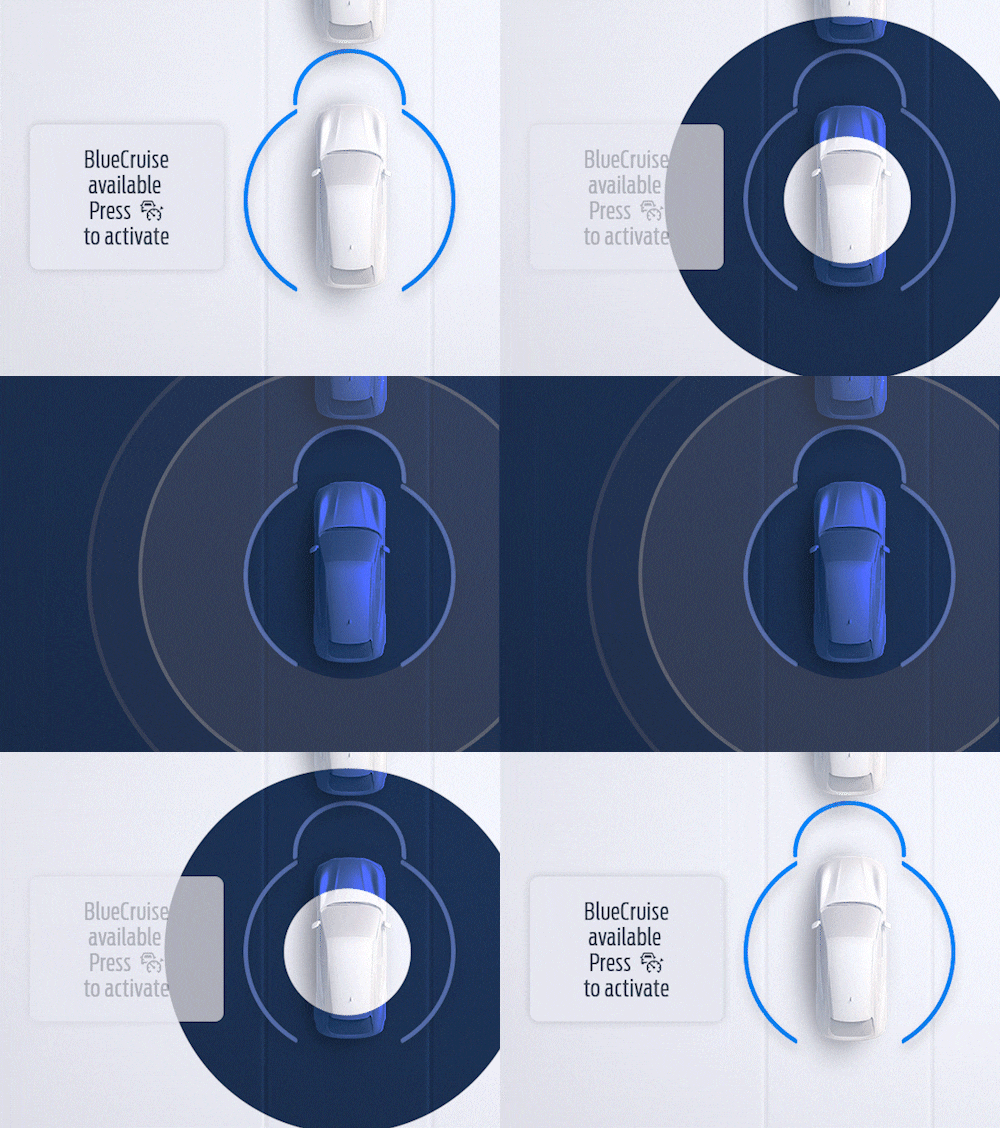
When you enter a prequalified section of a divided highway — a Blue Zone — you’ll see a prompt on the instrument cluster letting you know BlueCruise is available and ready to assist.
...less
Step 2
Let BlueCruise
Assist
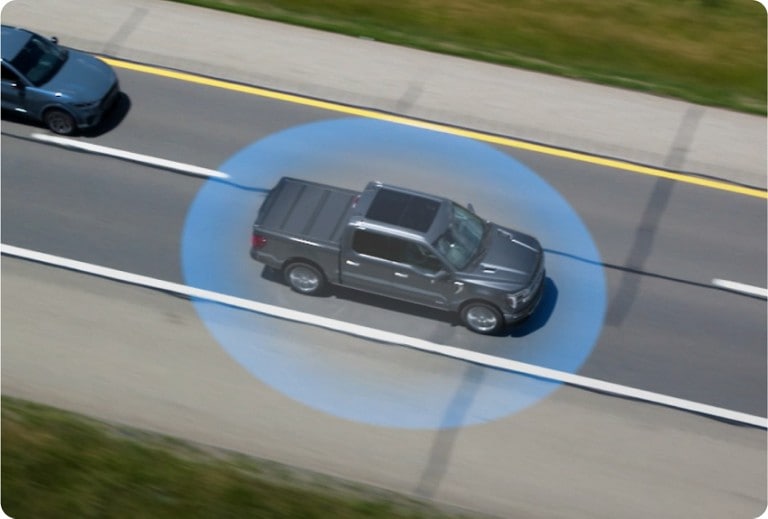
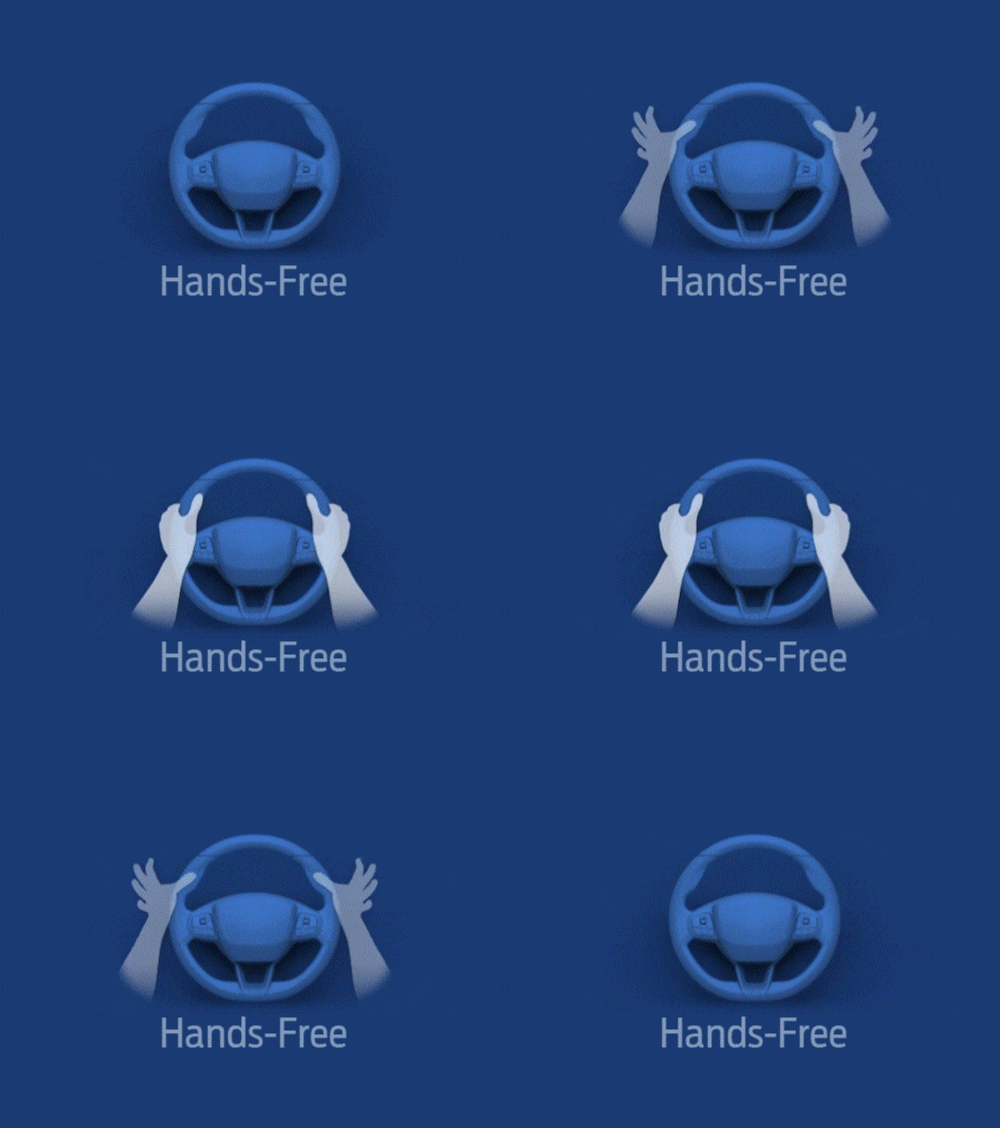
Simply tap the Adaptive Cruise Control button on your steering wheel and let BlueCruise assist while keeping your eyes on the road. The system helps handle steering, keeps you centered in your lane, and adjusts your speed as needed — all without you ever touching the wheel. Designed with driver collaboration in mind, you can always take over and steer manually within the lane without BlueCruise disengaging.
...less
Step 3
Feel the Magic
of Letting Go
2024 and 2025 model year BlueCruise-equipped vehicles come with a 90-day complimentary trial period, starting with your vehicles warranty start date. After that trial, you can choose to purchase BlueCruise monthly or annually based on your needs.**
space
**Pricing subject to change.
...lessAt vehicle purchase, customers have the option to buy a 1-year plan for $495 or a One-Time Purchase for $2,495. At the end of the initial complimentary trial or included plan duration, customers can choose to purchase a monthly plan for $49.99 or an annual plan for $495.
Pricing is subject to change.
• Download the FordPass® app and add your VIN to connect your Ford with your phone
• Activate your FordPass Connect modem on your vehicle’s center screen display
• In the vehicle’s center screen display, turn on Lane Centering with Hands-Free, Select settings icon > Driver Assistance > Adaptive Cruise Control > Lane Centering with Hands-Free
For more on one-time setup, watch this video.
Once you’re on the road:
• Select the Adaptive Cruise Control button on your steering wheel
• Make sure your Lane-Keeping System is activated. If it isn’t, press the button on your steering wheel.
• Your instrument panel will turn blue and the hands-free Icon will appear when you enter a hands-free Blue Zone
• Drive hands-free with your eyes on the road
To confirm you’ve got the newest features active, check your in-vehicle settings:
In the vehicle's center-screen display, turn on Lane Centering with Hands-free, select Settings icon > Driver Assistance > Adaptive Cruise Control > Lane Centering with Hands-Free*
For more on how BlueCruise works, watch this video.
*Don’t drive while distracted or while using handheld devices. Use voice-operated systems when possible. Some features may be locked out while the vehicle is in gear. Not all features are compatible with all phones.
BlueCruise 1.0 – Builds on available Adaptive Cruise Control and Lane Centering to add hands-free driving capabilities on prequalified sections of divided highways called hands-free Blue Zones.
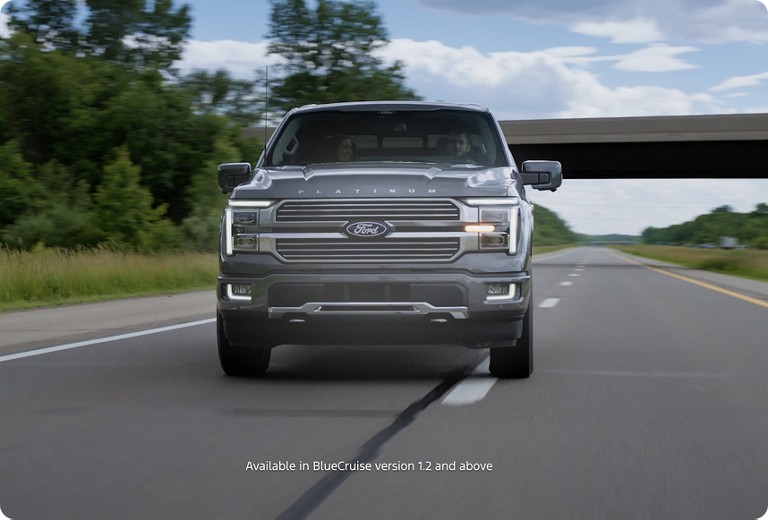
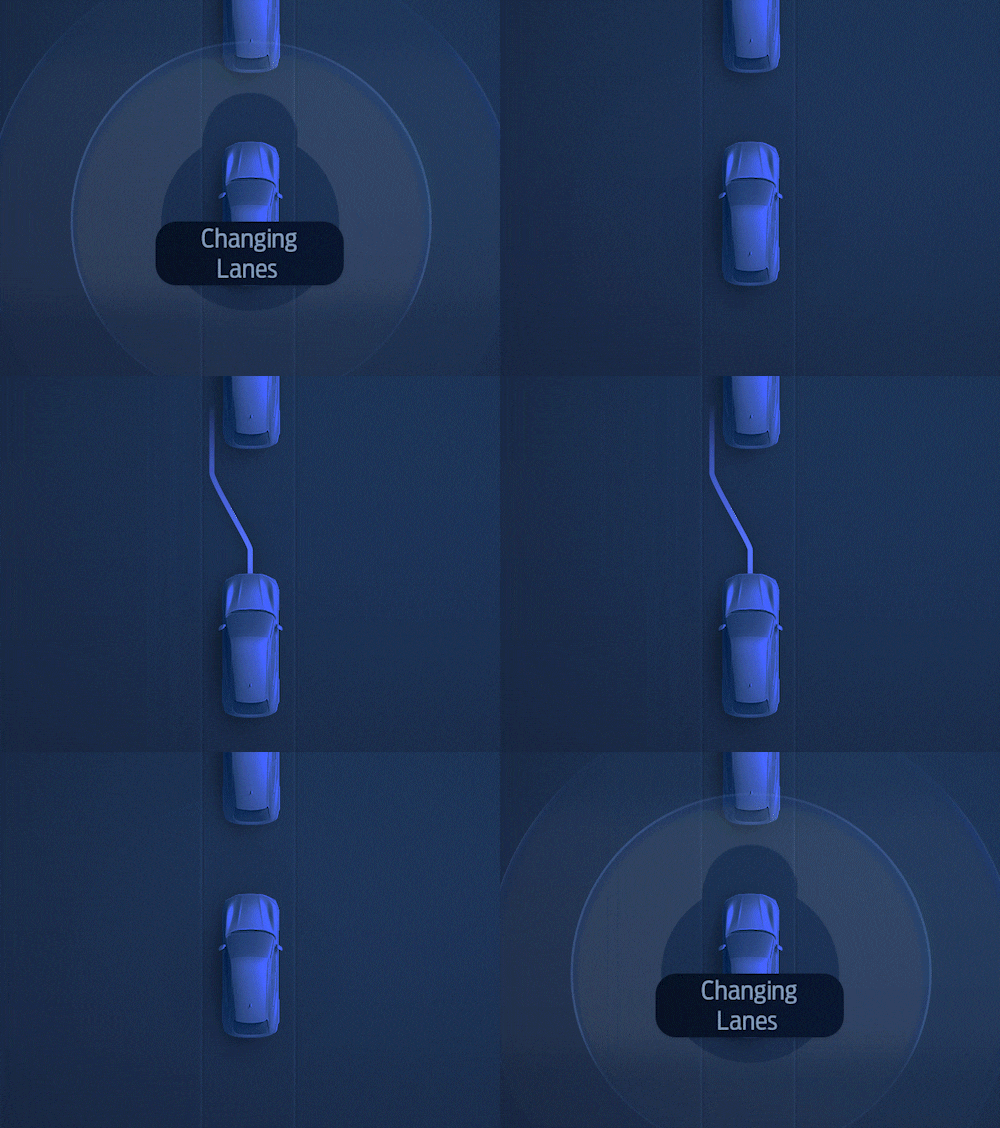
BlueCruise 1.2 – Adds new features including In-Lane Repositioning (which can give you more space by subtly shifting away from vehicles in adjacent lanes) and Lane Change Assist (tapping your turn signal to initiate a hands-free lane change).
BlueCruise 1.3 – Helps you stay engaged longer in hands-free mode by improving performance, with greater ability to navigate narrow lanes and curves.
BlueCruise 1.4 – Delivers greater in-lane stability, while automatically and smoothly adjusting the vehicle’s speed in even more curves, allowing for more hands-free time and a more continuous drive.
BlueCruise 1.5 – Adds new Automatic Lane Change feature, which enhances the hands-free highway driving experience by smoothly and seamlessly initiating an automatic lane change to help keep you moving at the speed of traffic.
Select location
Please enter your ZIP Code
Click one of the below icons to start the browser download.
By entering your mobile phone number, you expressly consent to receive a text message on your mobile phone. Standard messaging and data plan rates may apply.
To help you find your ideal certified used Ford vehicle, Ford is partnering with Autotrader to bring you the Ford Blue Advantage website.
The Ford Blue Advantage website is operated by Autotrader. Autotrader’s privacy statement and visitor agreement apply to the Ford Blue Advantage website and the collection and use of data on that site.
*
*