There are two main ways to pay for charging in the BlueOval™ Charge Network, which combines the following networks into a single network:
- Ford Charge
- BC Hydro EV
- Blink
- bp pulse
- ChargePoint®
- ChargeSmart EV
- Circuit Électrique
- Electrify America®
- EV Connect™
- EVgo
- EVolve NY
- FLO®
- FPL EVolution®
- Francis Energy
- InCharge
- IONNA™
- Mercedes-Benz High-Power Charging
- Pilot Flying J
- Red E
- Shell Recharge™
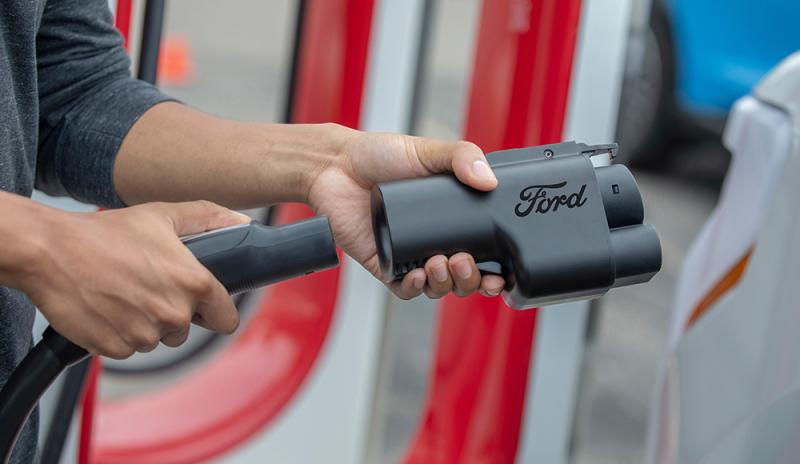
- Tesla Superchargers
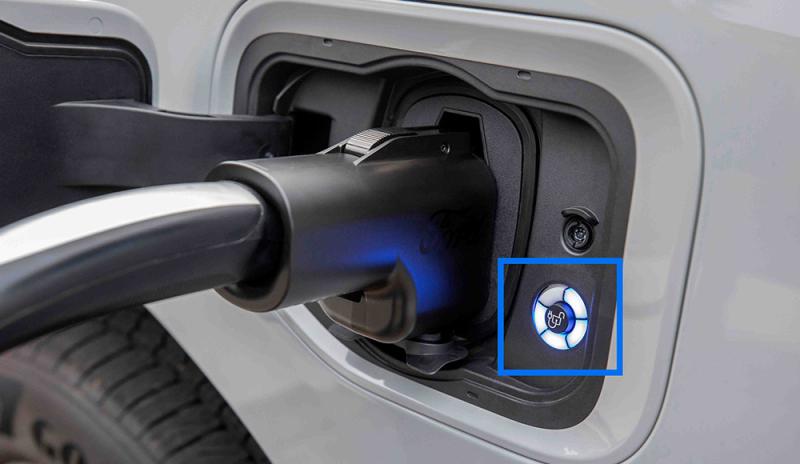
Plug & Charge — This feature automatically recognizes your vehicle when you plug in at Electrify America or Tesla Supercharger locations. Simply park at a participating charging station, plug in your vehicle, and your charging session will begin. Plug & Charge is enabled once you activate your BlueOval Charge Network access, and each charging session is automatically billed to the active card linked to your Ford account.
If you’re having a payment issue with this charging method, you can:
- Ensure you’re at an Electrify America or Tesla Supercharger location — both of which are part of the BlueOval Charge Network. If a charger is out of network, you will not be able to pay for your session with the payment method on your Ford account. Follow the payment instructions at the charging site.
- Check in the FordPass® App that your BlueOval Charge Network account is active.
- Confirm in FordPass that Plug & Charge is enabled.
- Verify your credit card on file in FordPass is in good standing (for example, not expired).
If these options don’t help solve the issue, call the support number listed on the charge station, try a different charger, or call us at 800-392-3673.
Pay for Charging — This method utilizes the BlueOval Charge Network as well and allows you to select within FordPass the charging location and specific charger you’d like to use for your charging session once you’ve arrived at your charger.
If you’re having a payment issue with this charging method, you can:
- Ensure you’re at a BlueOval Charge Network location. If a charger is out of network, you will not be able to pay for your session with the payment method on your Ford account. Follow the payment instructions at the charging site.
- Check in the FordPass App that your BlueOval Charge Network account is active.
- Verify your credit card on file in the app is in good standing (for example, not expired).
- Confirm that the charger you’re at matches the one you selected in the app.
If these options don’t help solve the issue, call the support number listed on the charge station, try a different charger, or call us at 800-392-3673.