
New hardware meets new software.
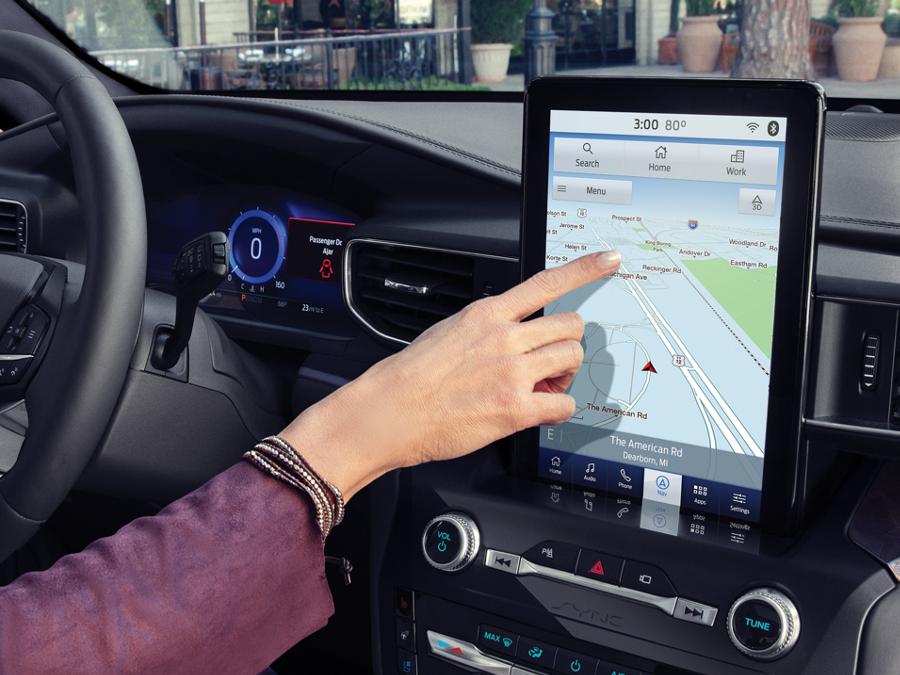
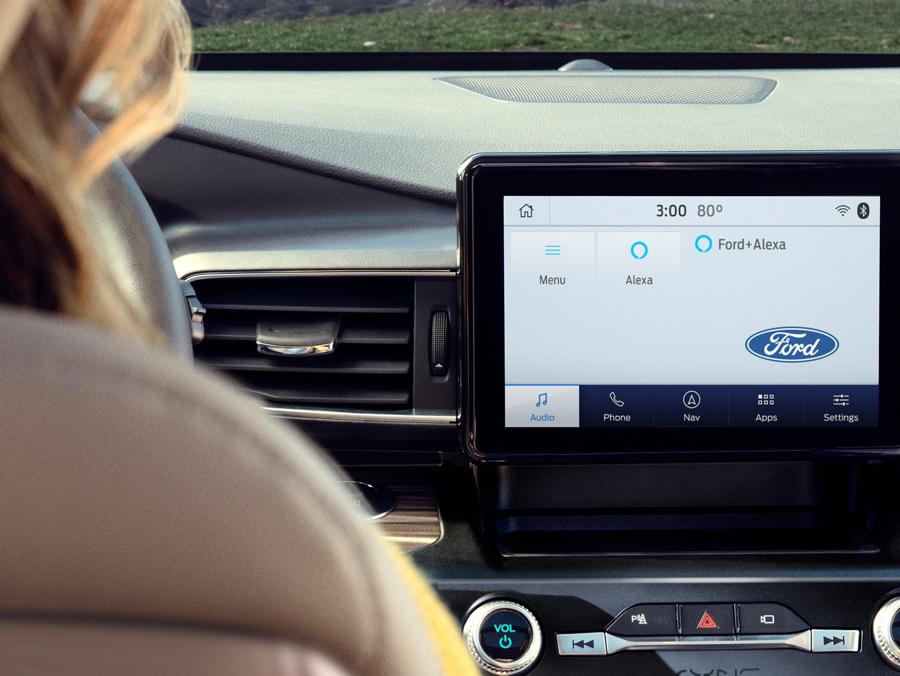
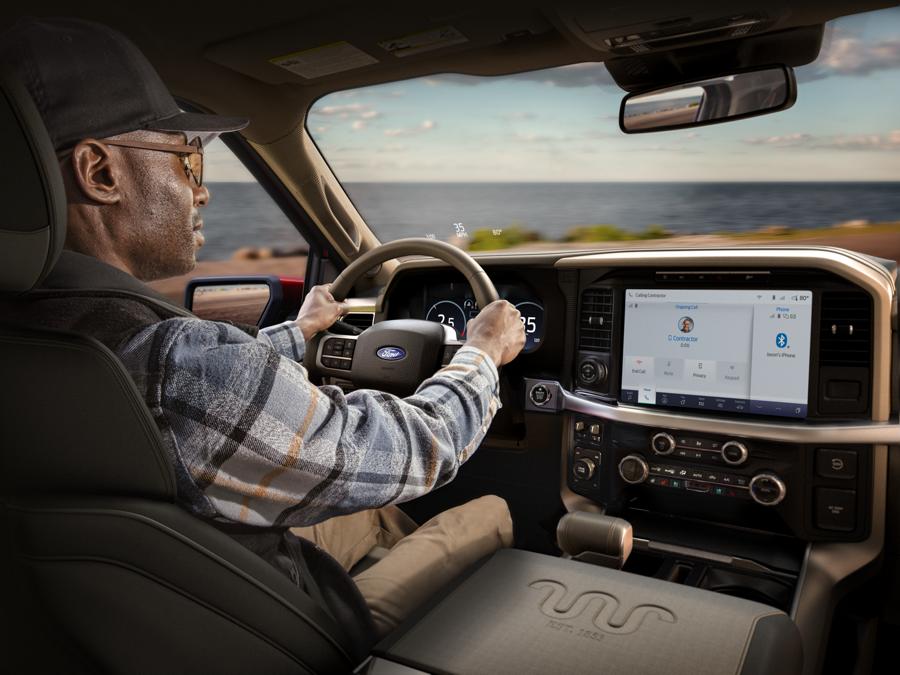
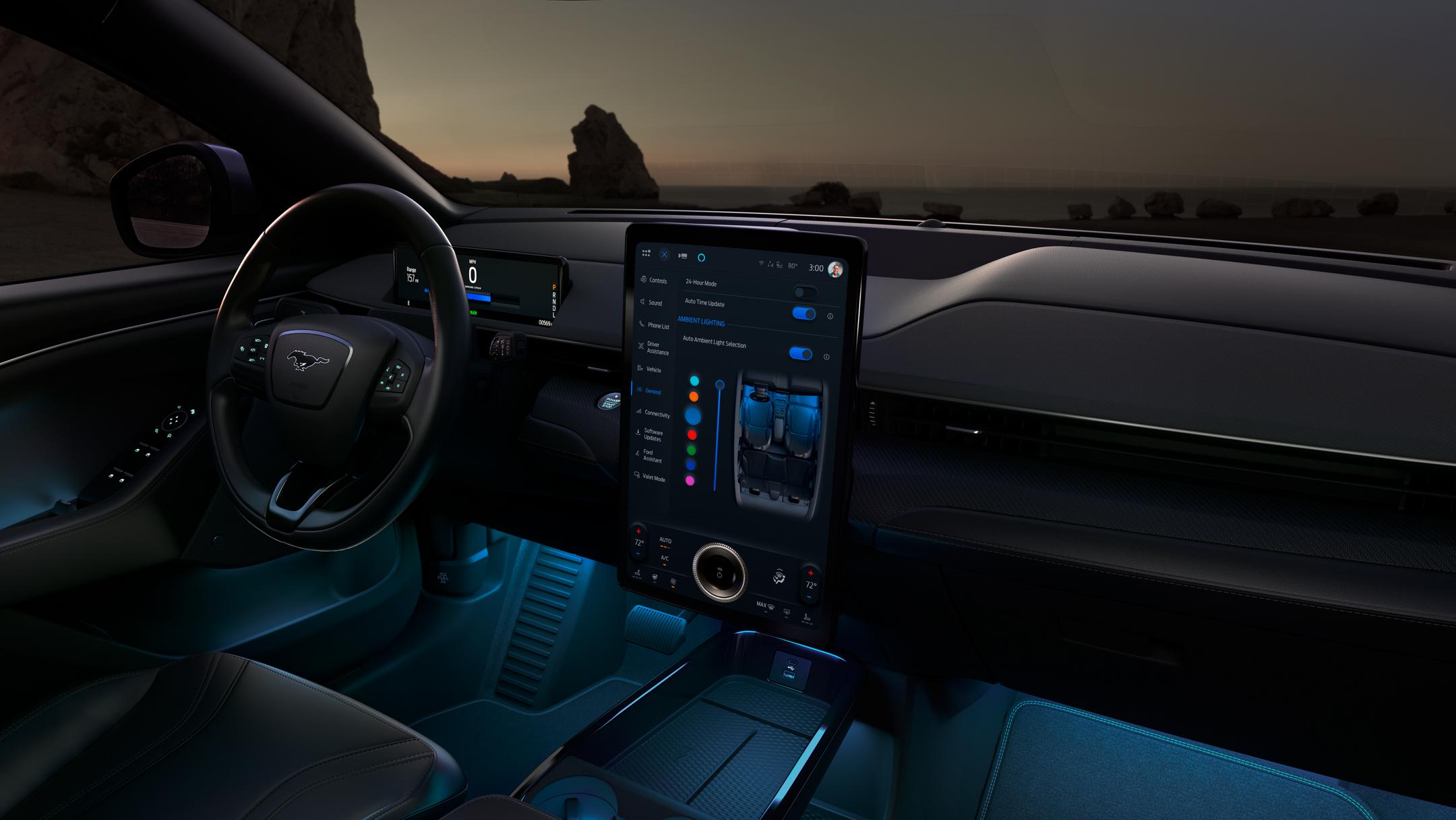
The easy-to-read color screen houses a sleek, clean interface that was designed around you - with phone, audio and available navigation functions all featured on the home screen.
Find what you need including updates, new information, exclusive offers and more.
SYNC lets you use your voice to make a call, listen to music, voice-control, select apps with SYNC® AppLinkTM and much more.
Voice-activated SYNC technology also helps you keep your eyes on the road and your hands on the wheel.
Upgrade to SYNC with MyFord Touch and enjoy many 63 of the great SYNC features, plus enhanced capabilities. An intelligently organized screen features four quadrants that help keep you connected while you keep your eyes on the road and your hands on the wheel.
Upgrade to SYNC 3 and enjoy all of the great SYNC features, plus our next generation of voice-activated technology. New easy-to-use design.
New interface. New features. SYNC 3 is not only new, it's responsive and innovative. Discover how SYNC 3 delivers next-level connectivity to your busy life.
Find out which SYNC system can help keep you and your favorite Ford connected.
Discover which smartphones work with SYNC. Not all phones supported.
SYNC makes it easy to connect to your music and entertainment wherever you travel. Say what music you want to hear and listen to it easily with voice-activated search or say "Bluetooth® audio"48 to wirelessly stream your favorite content on your phone. You can even let SYNC put together a personalized playlist.
SYNC with MyFord Touch makes it easy to connect to your music and entertainment wherever you travel. Say what music you want to hear and listen to it easily with voice-activated search or say "Bluetooth® audio"48 to wirelessly stream your favorite content on your phone. Find your favorite SiriusXM Satellite Radio channels with simple voice commands too. You can even let SYNC put together a personalized playlist.
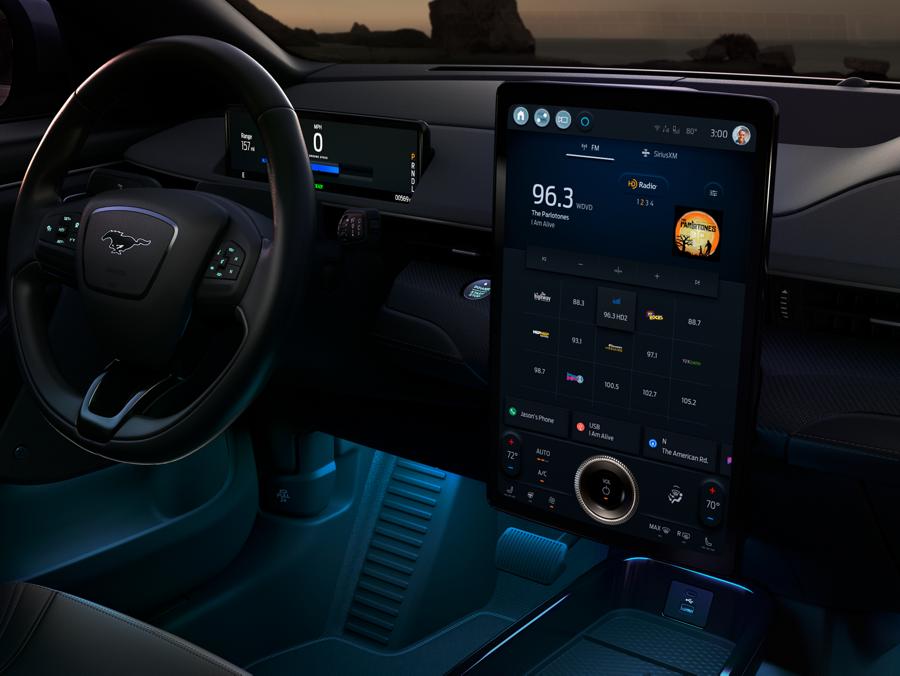
Find your favorite music fast with simple voice commands. If you are listening to the radio and want to hear music from your USB-connected phone instead, just say "play" and the artist or song name, and SYNC 3 can automatically switch to your music selection. Find your favorite SiriusXM Satellite Radio channels34 with easy voice commands too.
Use your voice to control some of your favorite compatible mobile apps. Choose the apps from your supported smartphone, using simple voice commands and radio buttons on your steering wheel. Like a song on Pandora® internet radio?53 Just say "thumbs-up!" Find your saved stations, skip a song or play a different track by saying the word.63 You can check out the SYNC AppLink catalog here
N/A
Via SYNC AppLink, launch and voice-control some of your favorite mobile apps or access them in the organized apps section, which automatically loads SYNC-enabled apps from your paired and connected smartphone.63
You can check out the SYNC AppLink catalog here
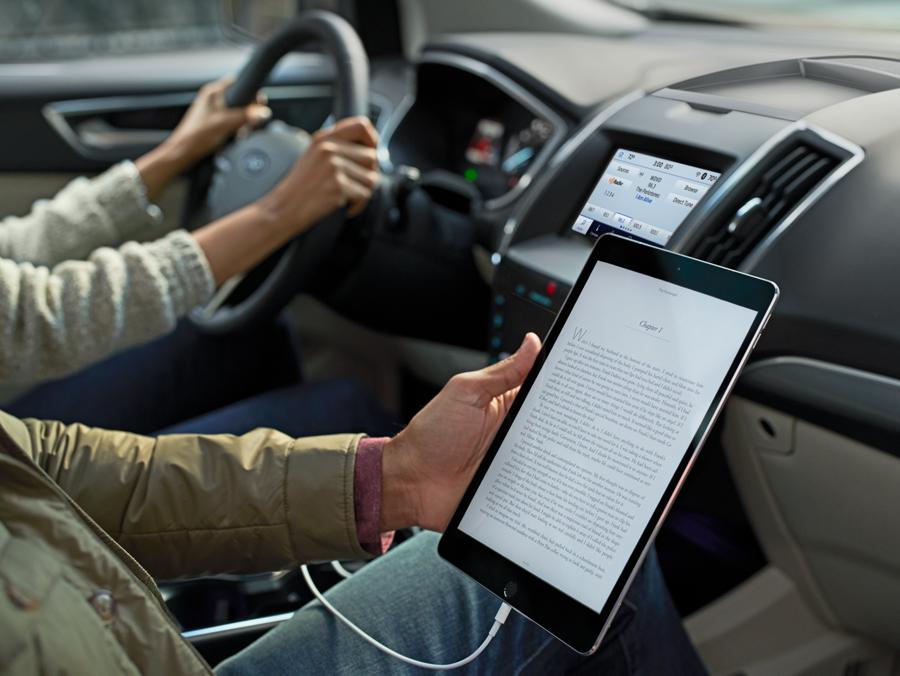
The standard LCD screen lets you read and control many of the things you want, including caller ID, call waiting, your contact list, along with song titles. You can also view the phone number of any incoming calls. Say “Bluetooth® audio”48 and you wirelessly listen and view whatever's on your phone, along with seeing what podcast or audio book you’re listening to.
You can easily read and control the things you want with a color-coded touch-screen display, including entertainment, phone and optional navigation. You can even customize the look of your home screen by using a favorite saved photo as your home-screen wallpaper.
The capacitive touch screen has impressive functionality such as the convenient swipe, and available navigation pinch-to-zoom functionality similar to what is found on your smartphone. SYNC 3 reacts quickly to your commands. From a light tap on the capacitive touch screen to simple voice commands, SYNC 3 delivers noticeable high-speed performance.
Using simple voice commands and the touch of a button, you can make a call or send a text message. Simply say the name of any person in your phone book or say the number. You can also control what music you want to hear with simple voice commands. Say “Bluetooth® audio”48 and play a song, the next song or previous track.
SYNC with MyFord Touch offers more voice-activated commands. Along with making a call with the touch of a button and simple voice commands, you can access SiriusXM Satellite Radio34 with voice commands. In addition, you can adjust the climate control (if equipped) and access the available Navigation System with simple voice commands.
With enhanced voice recognition, you can talk to SYNC 3 with simple real-world voice commands and the system responds naturally to your voice. Controlling your phone and more is as easy as saying “call Mom.”
N/A
N/A
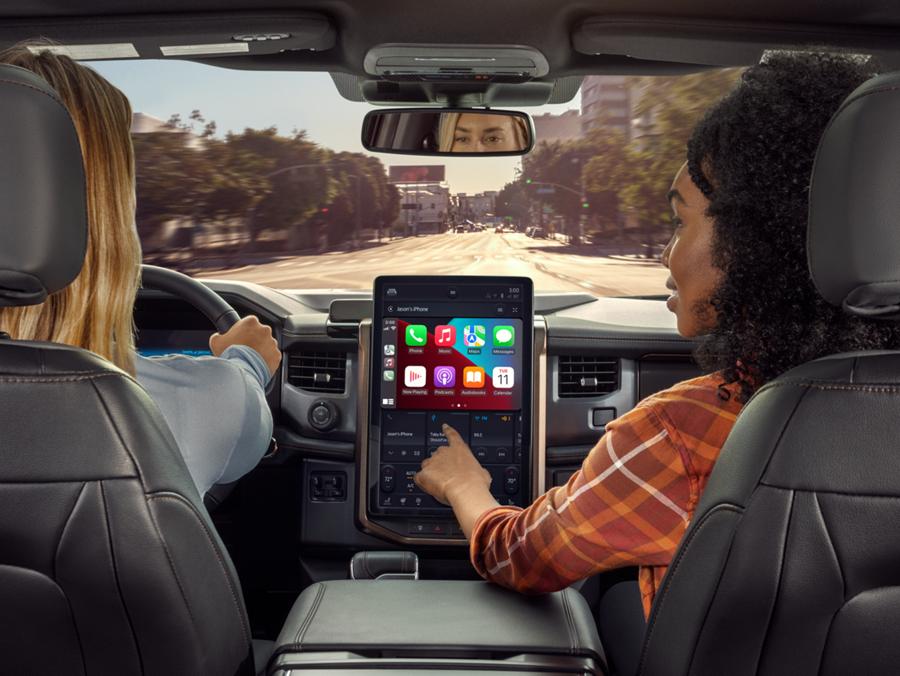
SYNC 327 can bring the power of Apple CarPlay to your Ford. You can use Siri® to interact with your iPhone®. Make calls, return missed calls and listen to voicemail, as well as send, read and reply to text messages, and even access your songs and playlists. Apple Maps provides turn-by-turn directions, traffic conditions and estimated travel time.160
N/A
N/A
SYNC 327 can bring the power of Android Auto to your Ford. You can talk to Google™ to interact with your smartphone while keeping your eyes on the road and hands on the wheel. Make calls, return missed calls and listen to voicemail, as well as send, read and reply to text messages and access your favorite music through your apps. Google Maps™ provides voice-guided navigation, live traffic information and estimated travel time.161
N/A
N/A
With a SYNC® Connect-equipped vehicle, you can use FordPass® to track your vehicle’s location and remotely access vehicle features such as start, lock and unlock and vehicle status including fuel level and approximate mileage. You can also schedule specific times to remotely start your vehicle so it’s ready to hit the road as soon as you are.162
To learn more about where FordPass can take you, visit fordpass.com.
N/A
N/A
SYNC 3 brings the power of Siri Eyes Free and your IPhone ®48 into your vehicle. Make or receive a call, reserve a table at your favorite restaurant, audibly send a "see you there" text and more.
N/A
If equipped, you can use your voice to adjust the climate, so you can stay comfortable without having to lift a finger. Once you set your favorite temperature, you can say “my temperature on” and return to it later with the press of a button.
If equipped, you can use your voice to set your favorite temperature or access the color touch screen to adjust the temperature with large, easy-to-use touch buttons. The climate icon appears on some vehicles at the bottom of the SYNC 3 home screen for quick, easy access.
N/A
N/A
Keeping SYNC 3 current with the latest software can happen automatically as new updates become available — all you need is a Wi-Fi connection.48