Ford Connected Navigation
Available on select models for $79.95/year * after complimentary trial.
Available on select models for $79.95/year * after complimentary trial.
Let's Go
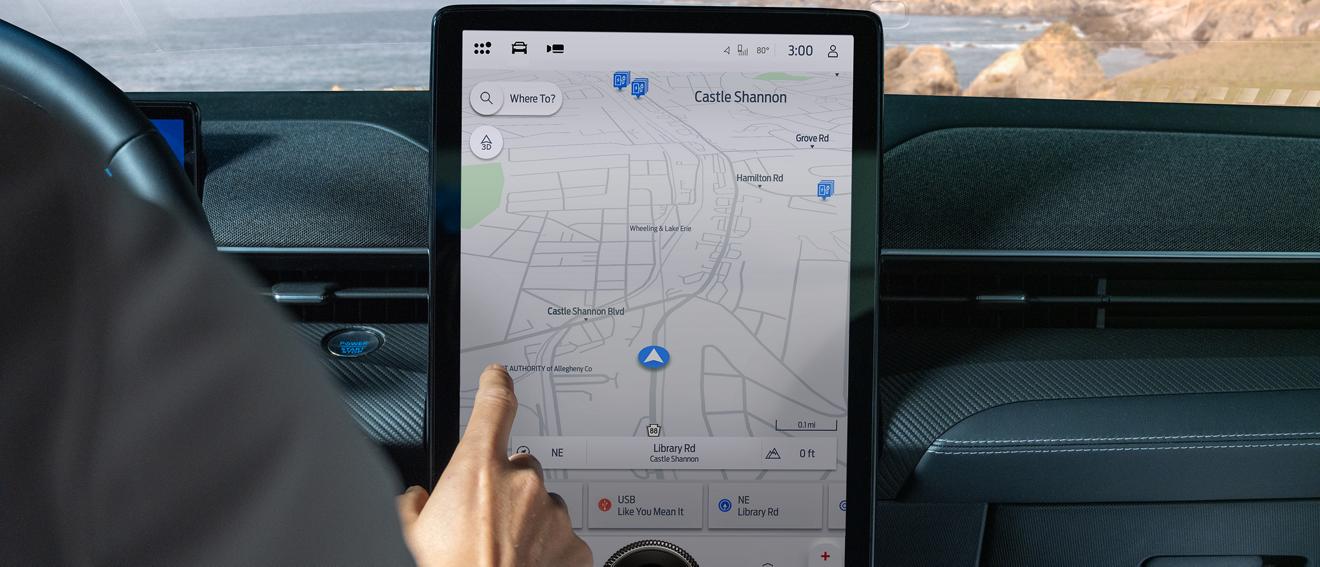
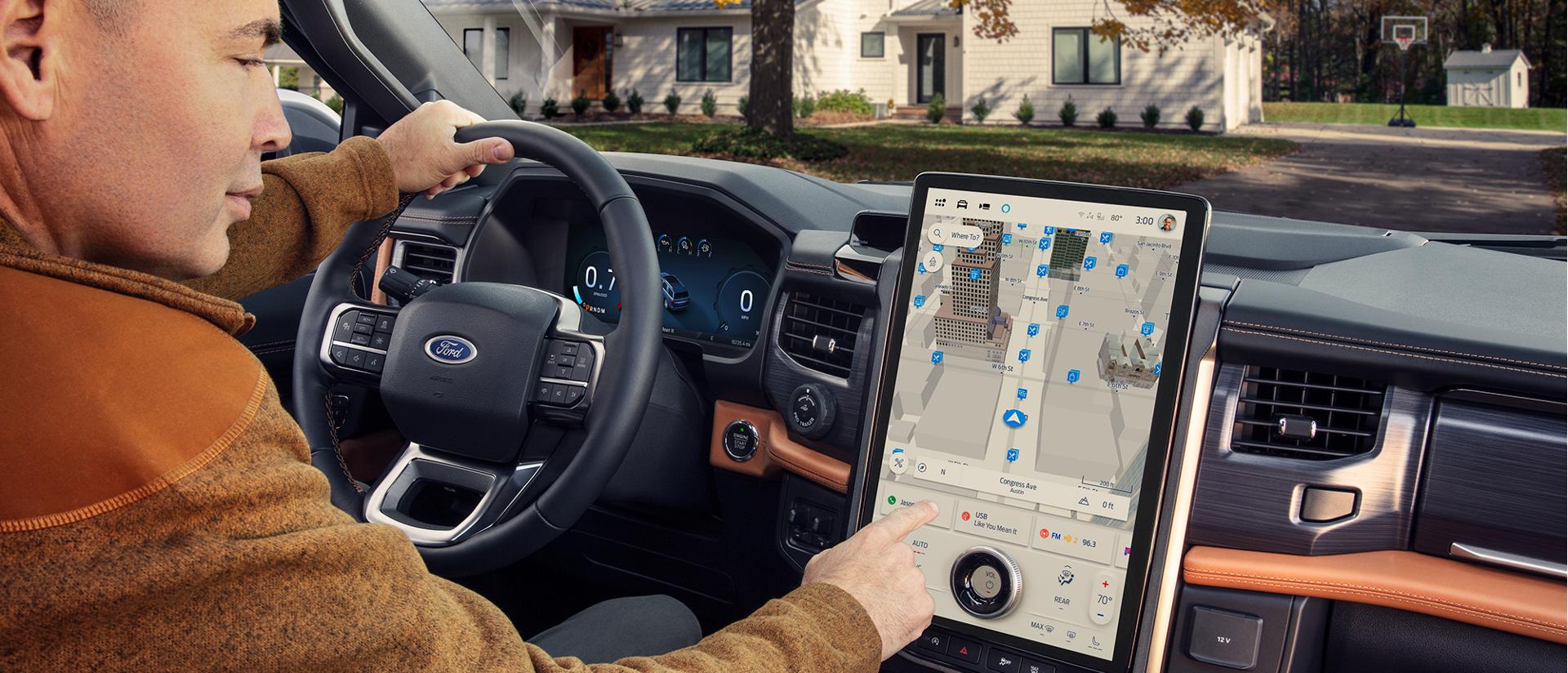
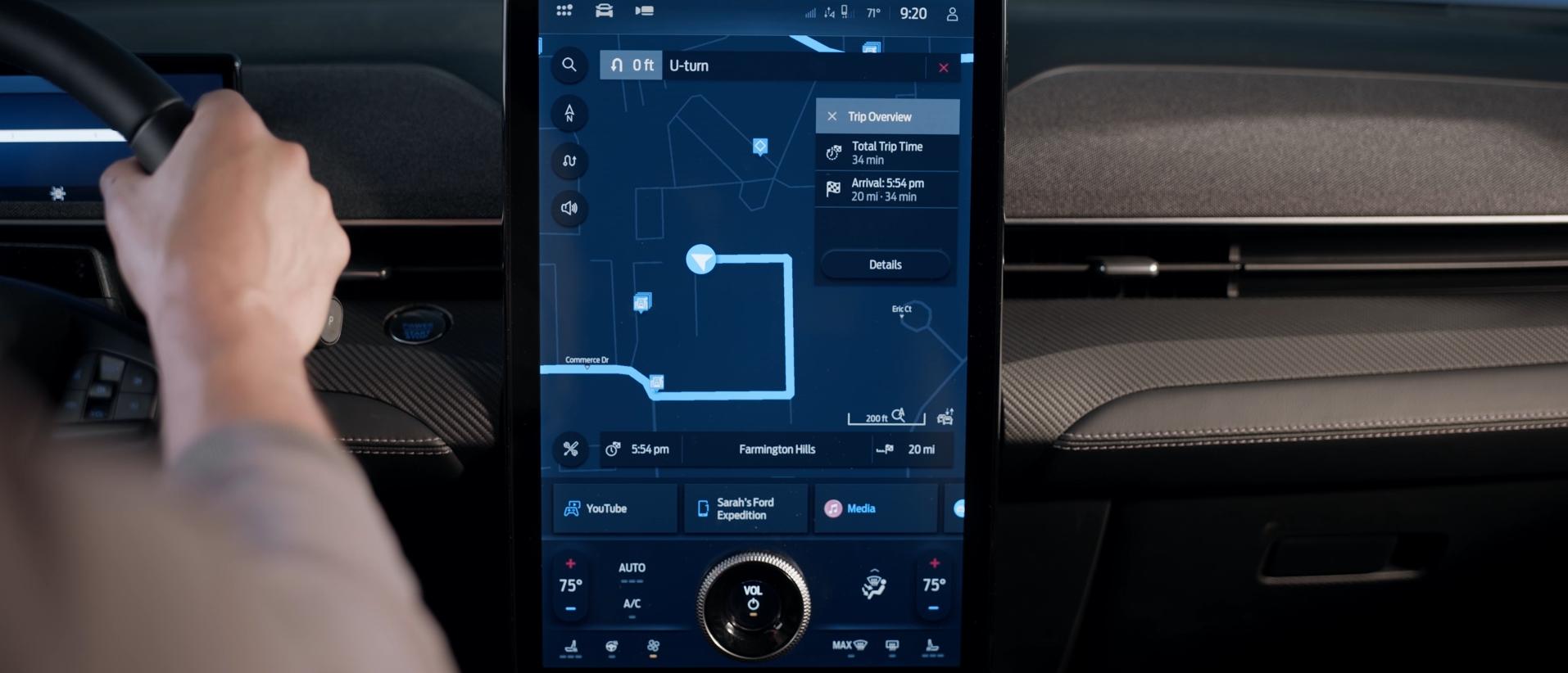
Available Connected Navigation provides real-time traffic updates, offline mapping, and voice activation — all built-in. Powered by GPS, you'll find efficient routes even without a cellular signal.

Voice Activated
Use your voice to request routes and guidance — and keep your eyes steady on the road ahead.

Real-Time Traffic
Outsmart congestion with cloud-based, automatic rerouting that helps avoid road hazards, weather conditions, and more.

Offline Mapping
Stay in touch — built-in GPS and saved maps allow you to keep exploring even when your cellular signal is lost.
Street Smarts
Connected Navigation remembers your frequent routes, favorite spots, and can even customize towing routes for your specific trailer.
Program and save your favorite destinations. Your frequently visited stops will be stored automatically, too.
Find attractions with address info, hours, and ratings. And these details update in real time while you have a cellular connection.
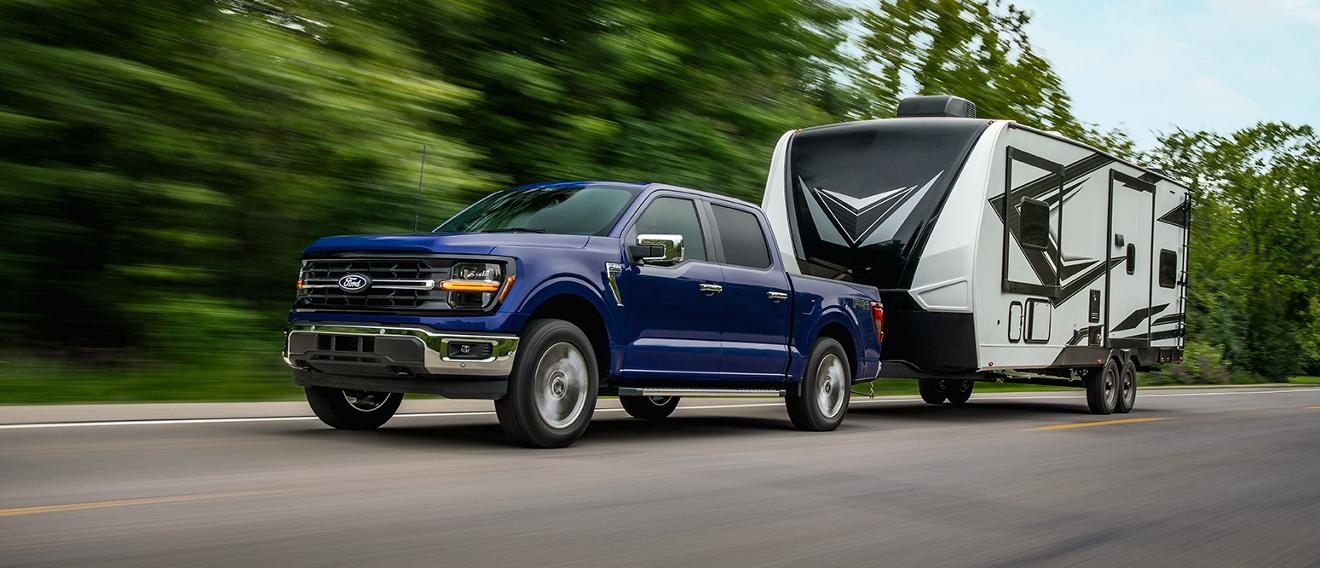
Find the best routes for towing — avoiding narrow roads, weight-limited or low bridges, and overpasses — based on your trailer’s size and weight.
Pick Your Path
Hit the road with a complimentary trial. After that you can explore your other payment options.
Does Your New Ford Come With Connected Navigation?
Available on select models. Some models have Connected Navigation available as part of the available Ford Connectivity Package.
Also Available on Previous Model Years
Connected Navigation has been keeping owners on the right path since 2021. Not sure if you have it? Find out here.
EV Smart Routing
Learn how Connected Navigation keeps your EV moving with these smart features.
Forward Thinking
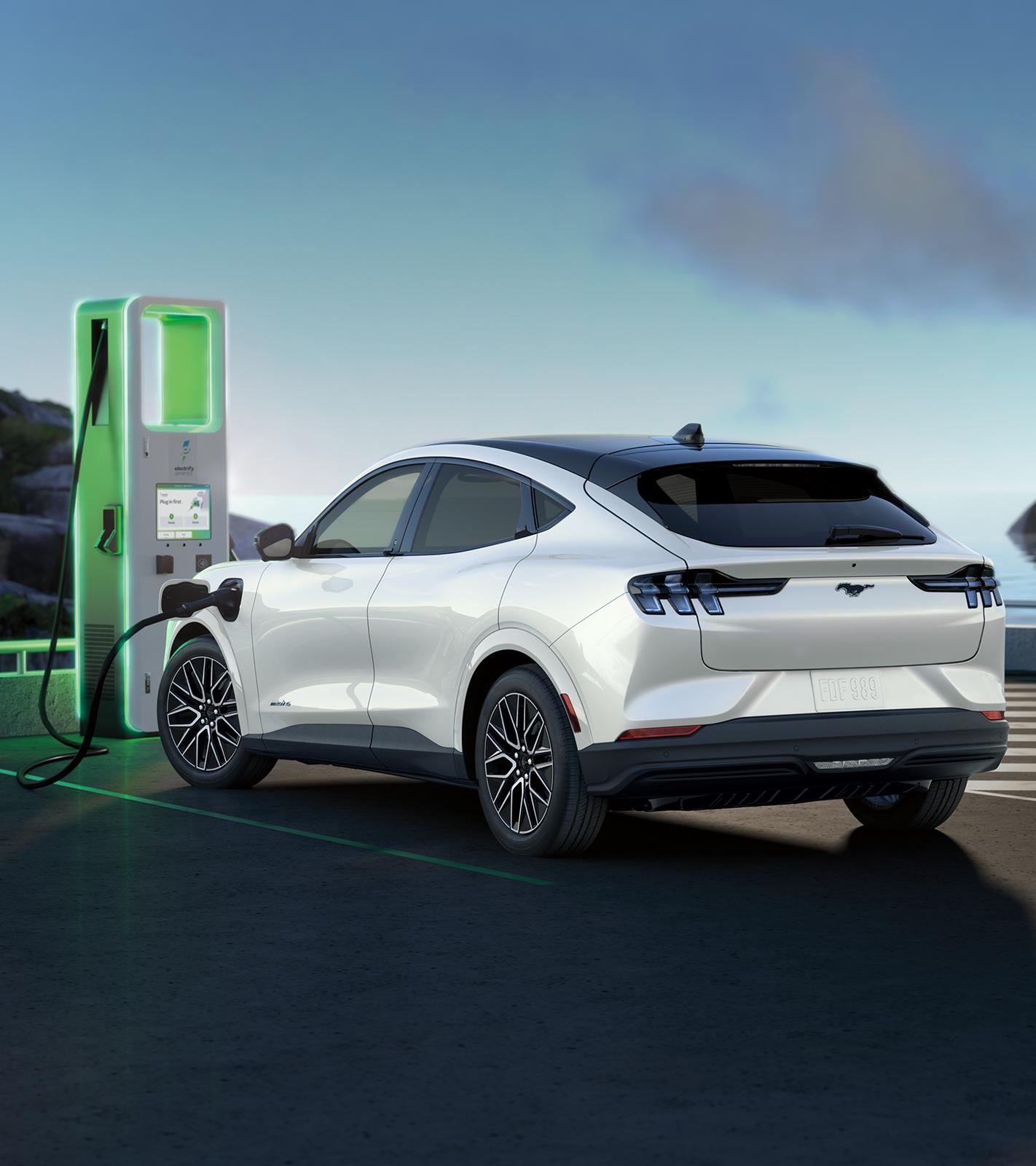
Select a DC Fast charger destination on your center display and your battery will automatically cool or warm as needed when you get close. This helps ensure optimal charging performance when you arrive.
Connected Navigation plans routes that consider your current charge level and provides real-time help finding public charging stations along the way — right on your center display.
Cloud-connected software gives you real-time updates on your battery range based on traffic and your route's geography, terrain, and current weather conditions.
Right This Way
Already own a Connected Navigation-equipped vehicle? Your setup starts here.
Download the Ford app 164 and add your Vehicle Identification Number (VIN). Follow the prompts in the app and in your vehicle to connect your Ford vehicle with your phone.
Once connected, your trial is activated automatically. If Connected Navigation is available to you as part of the Ford Connectivity Package, you’ll need to activate your trial in the Ford app. 12
Additional Offerings
There’s more to your Ford vehicle. A lot more. Check out what else is available to you. *
More Points of Interest
Available Ford Connected Navigation is a cloud-based navigation system built directly into your vehicle's SYNC® 4 or SYNC 4A system. It delivers real-time, always-updated routing without relying on a separate smartphone. Key features include:
After any available complimentary trial, Ford Connected Navigation can be purchased for $7.99 per month or $79.95 per year (plus applicable taxes and fees; prices subject to change). You can begin or renew your plan through the Ford Owner Dashboard or in the Ford app using a credit card or by redeeming Ford Reward Points.
Equipped vehicles also receive a complimentary trial period starting from the new-vehicle warranty start date. Trial lengths vary by model year:
Some 2025 and later vehicles have Connected Navigation included with the available Ford Connectivity Package. For those vehicles, after a one-year trial, pricing is $14.99 per month or $149.95 per year. There’s also an option available at the time of sale which is $745 for seven years. These prices include Connected Navigation as well as the additional features of the Ford Connectivity Package. 24
To start your trial, you must activate your vehicle modem through your Ford app.
To activate your Ford Connected Navigation trial, follow these steps:
Please note: Your trial period begins on your vehicle's original warranty start date, not the date you activate the modem.
Ford Connected Navigation requires SYNC® 4 or SYNC 4A technology. It is not compatible with earlier versions of the Ford SYNC system. You can check which SYNC version your vehicle has in your vehicle settings or by entering your VIN on this page. Learn more about activating Ford Connected Navigation.
Ford Connected Navigation is available on select Ford vehicles equipped with SYNC 4 or SYNC 4A technology, along with an activated modem. Availability can vary by trim level and optional packages, so checking your Ford Owner Dashboard, the Ford app, or original window sticker is the best way to confirm if your specific vehicle is equipped.
Compatible models include:
SUVs and Cars
Trucks and Vans
Vehicles with older SYNC systems (such as SYNC 3) are not compatible and cannot be upgraded to support Connected Navigation.
Yes. For Ford electric vehicles like the Mustang Mach-E® and F-150® Lightning®, an active Connected Navigation plan enables en-route battery preconditioning. When you set a DC Fast charger as your destination using the Ford built-in navigation, the vehicle automatically begins warming or cooling the battery as needed approximately 20 minutes before arrival. This brings the battery to its optimal charging temperature, which reduces total charging time and helps support long-term battery health.
To trigger preconditioning, select the charger directly from the navigation system‘s EV charging database. Routing to a charger‘s street address as a standard destination will not activate preconditioning.
What functionality remains depends on the type of navigation system in your vehicle:
With an active trial or plan, Ford Connected Navigation updates happen automatically over the air. There is nothing you need to manually install. Full map updates are pushed once per year, and maps for your most-driven radius are refreshed quarterly, so your navigation stays current without any action required on your part.
You can renew Ford Connected Navigation through your Ford Account online or directly in the Ford app.
To renew online:
To renew in the Ford app:
A few things to keep in mind: