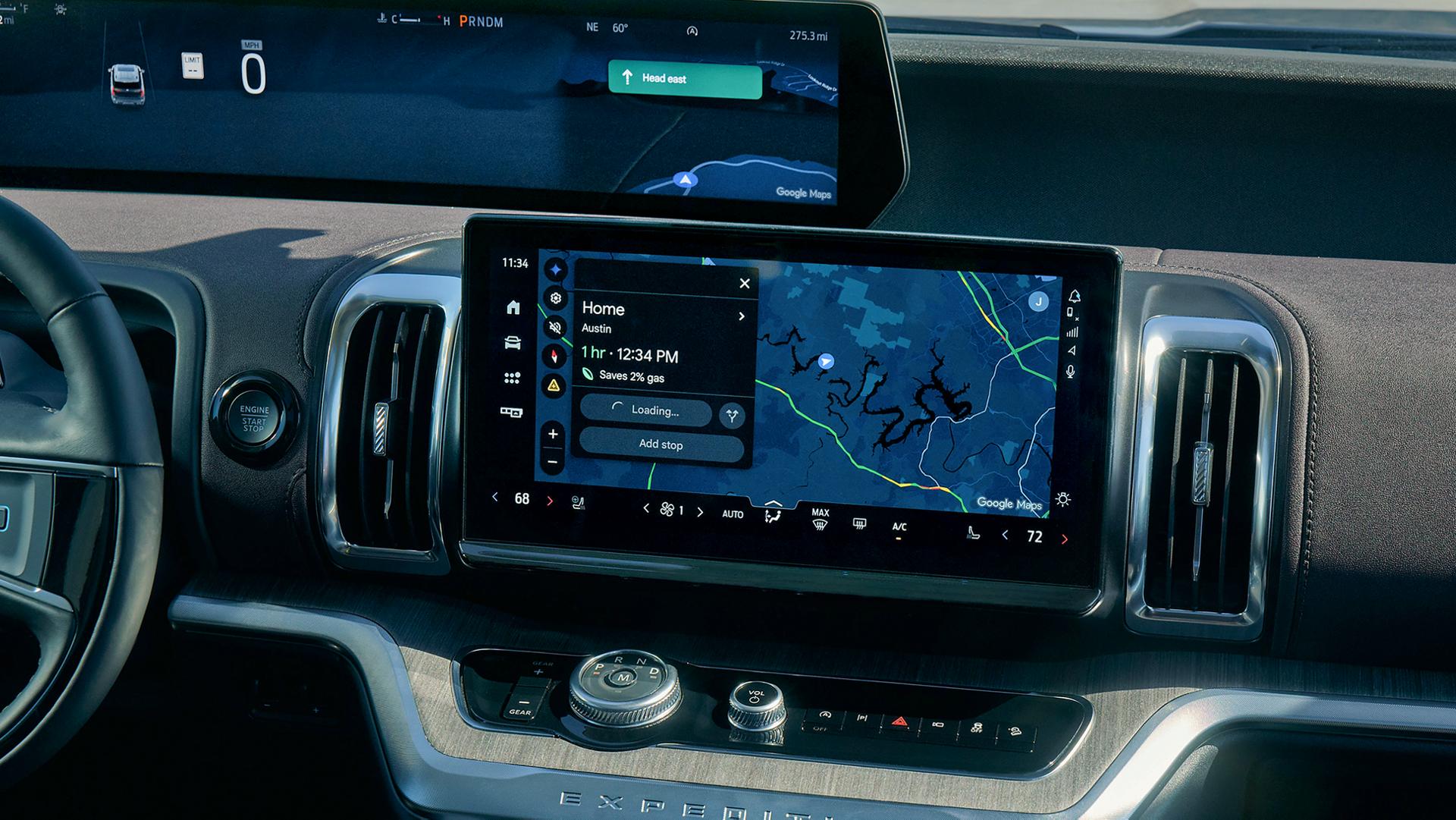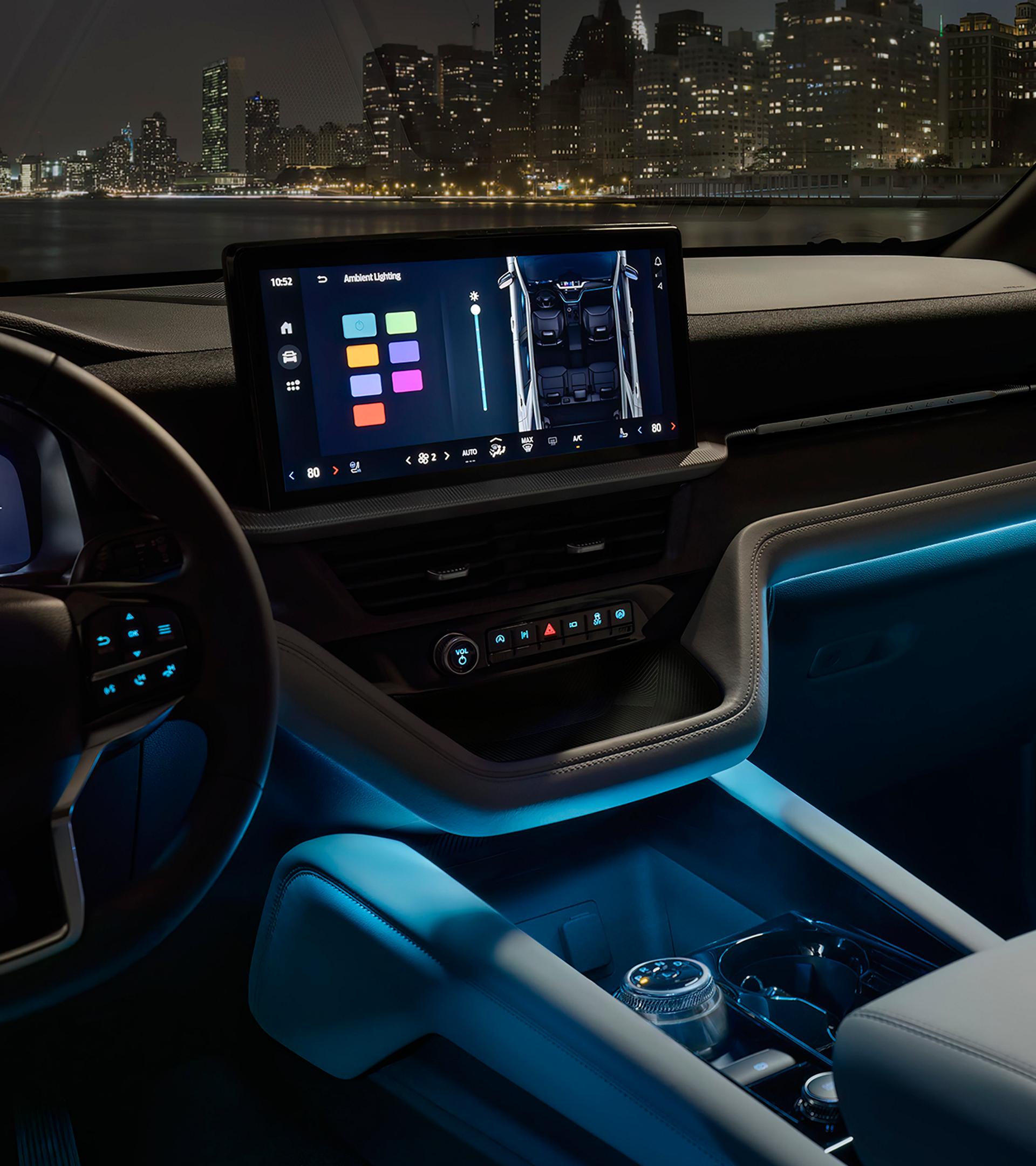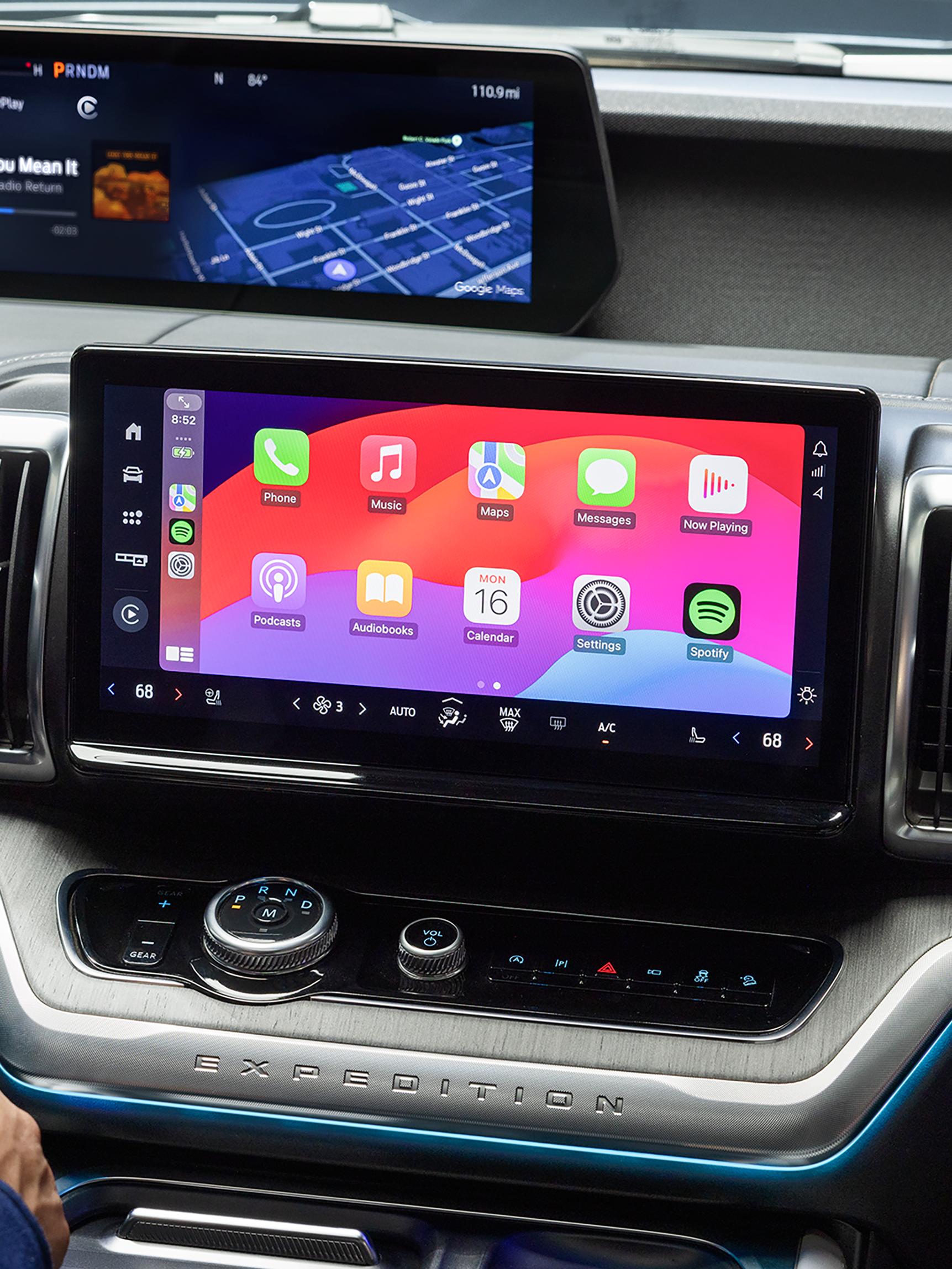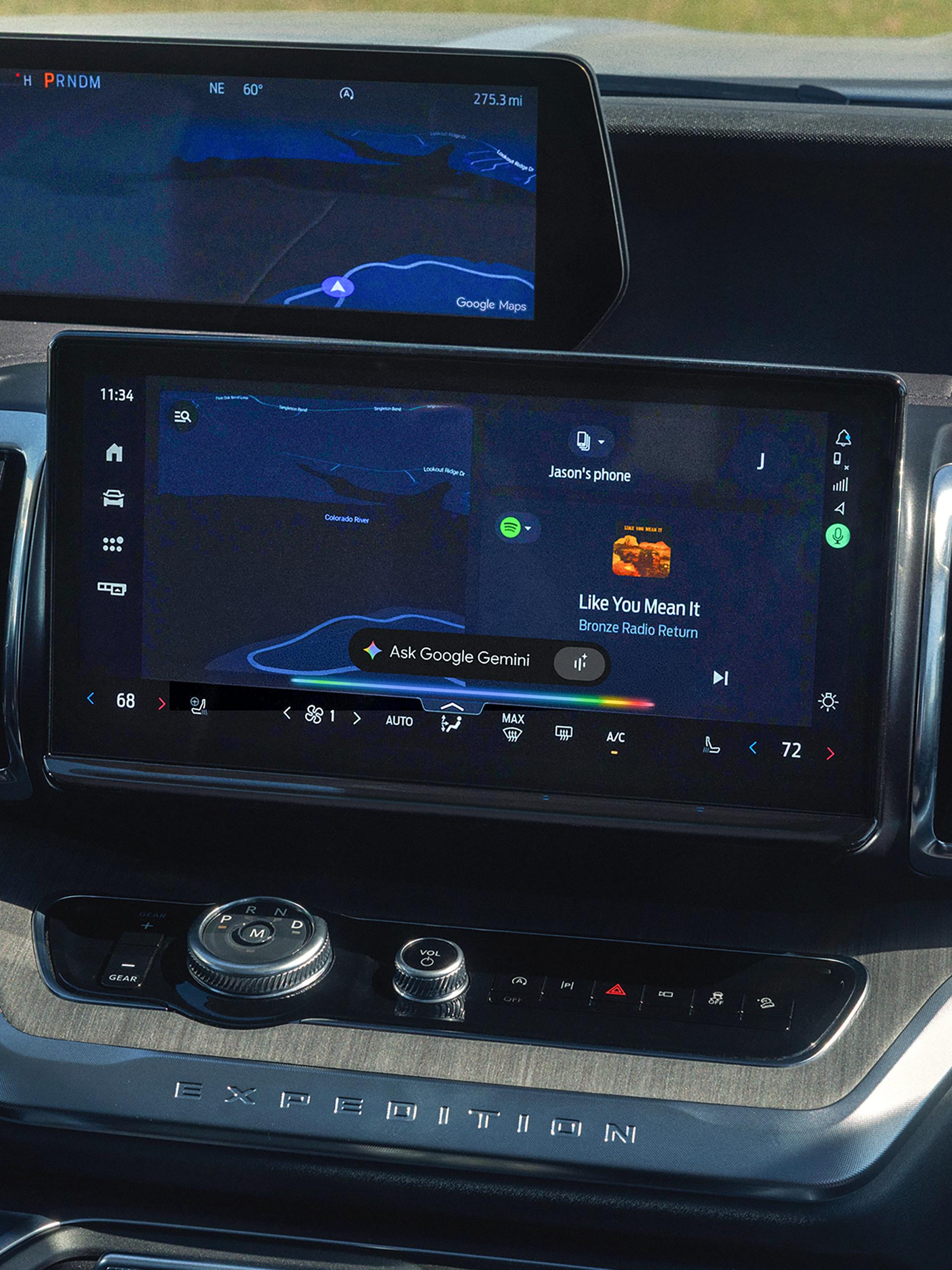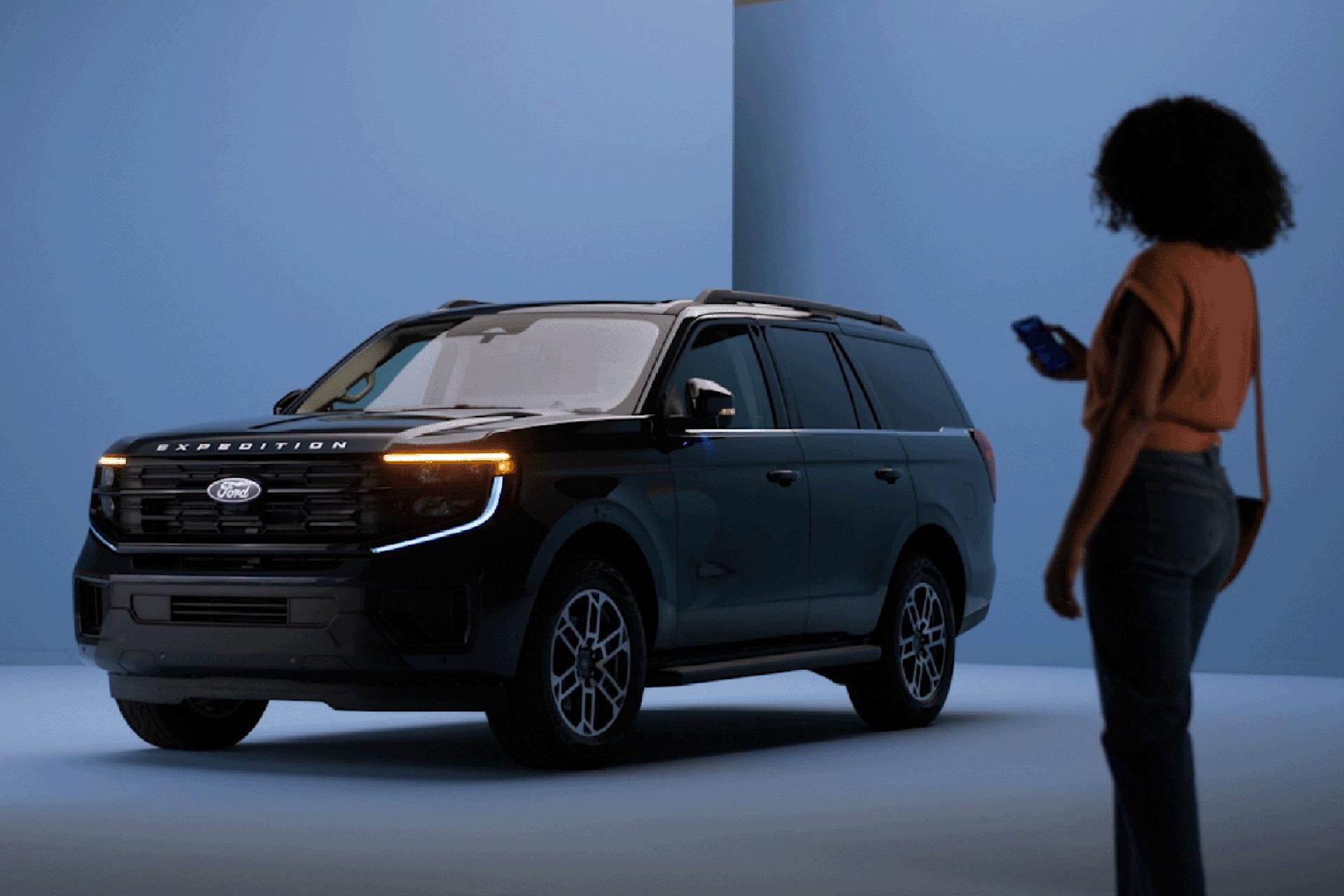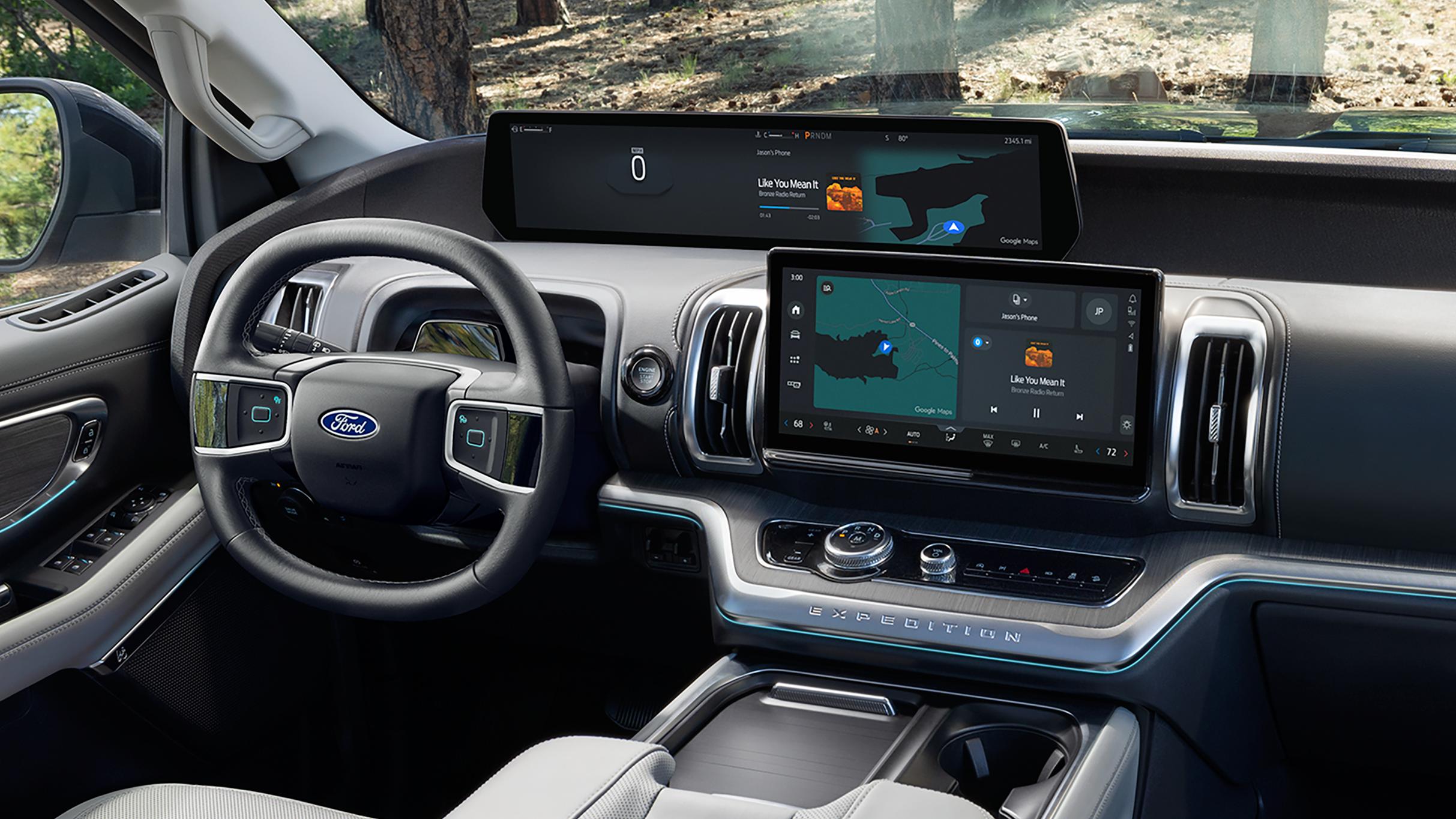
Maximize your drive with the Ford Digital Experience optimized by available Connectivity plans. Enjoy fast connectivity, crisp graphics, and personalization. Plus, use the apps you love without having to connect your phone. 24
Stream on the Road

Take It Personally
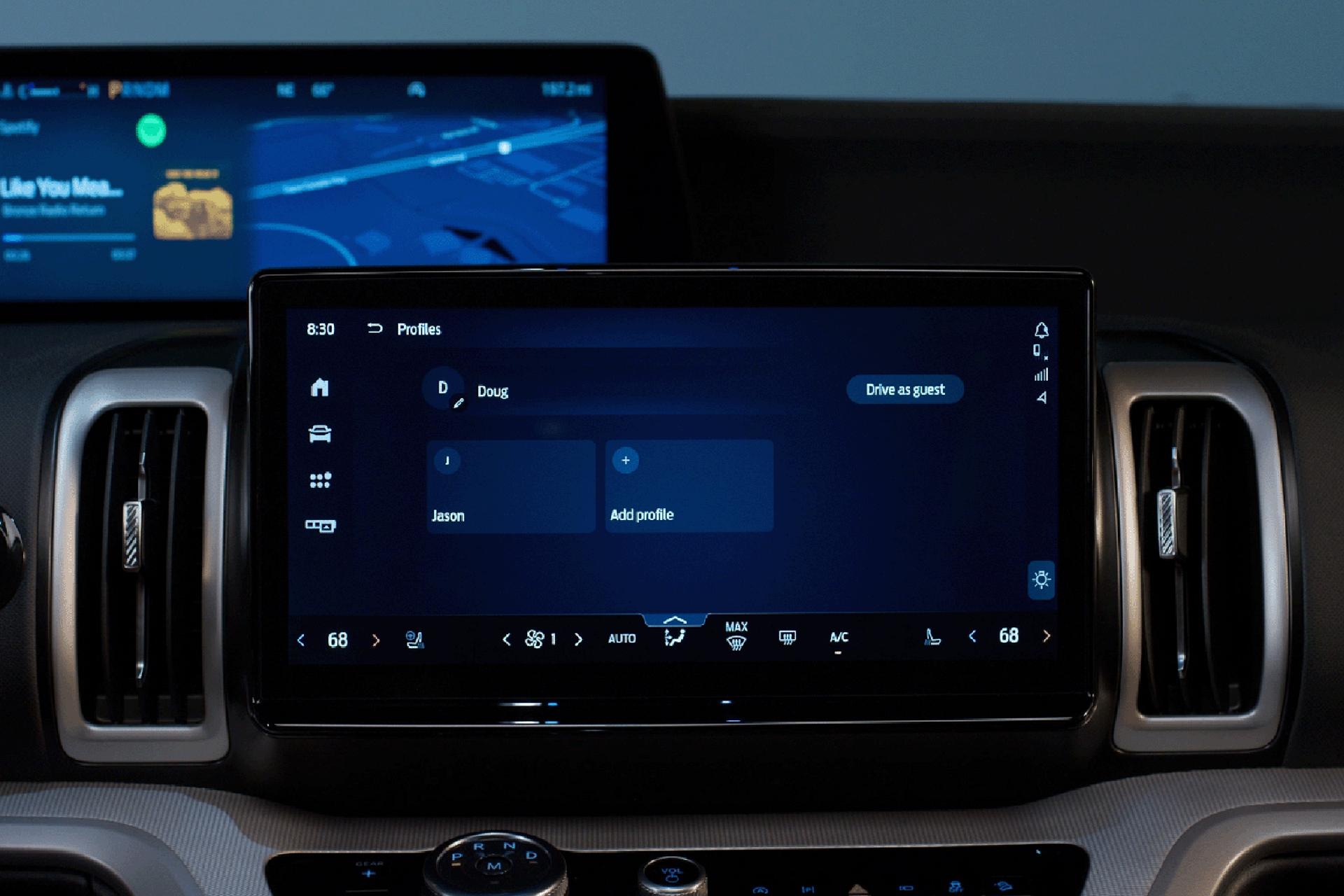
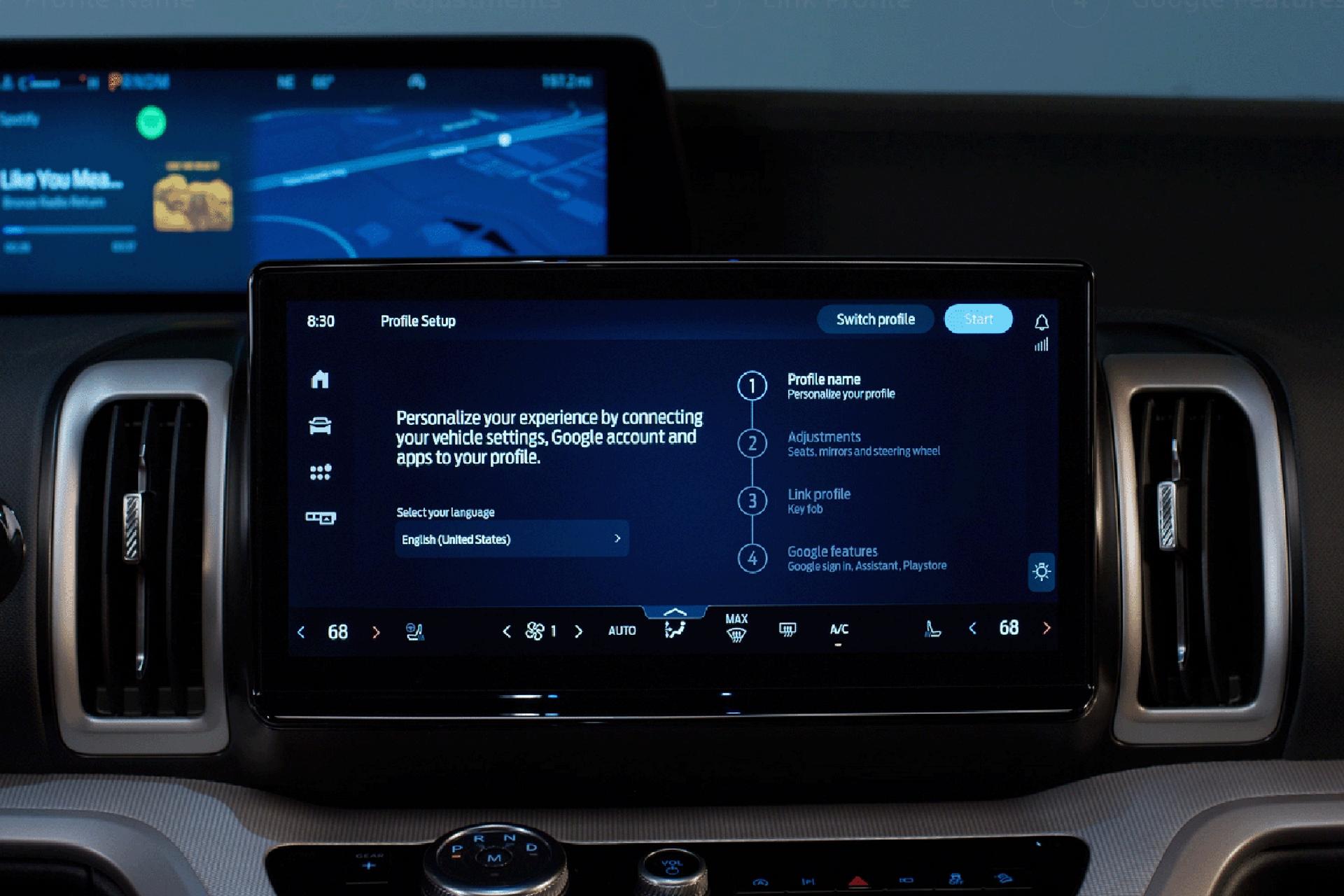
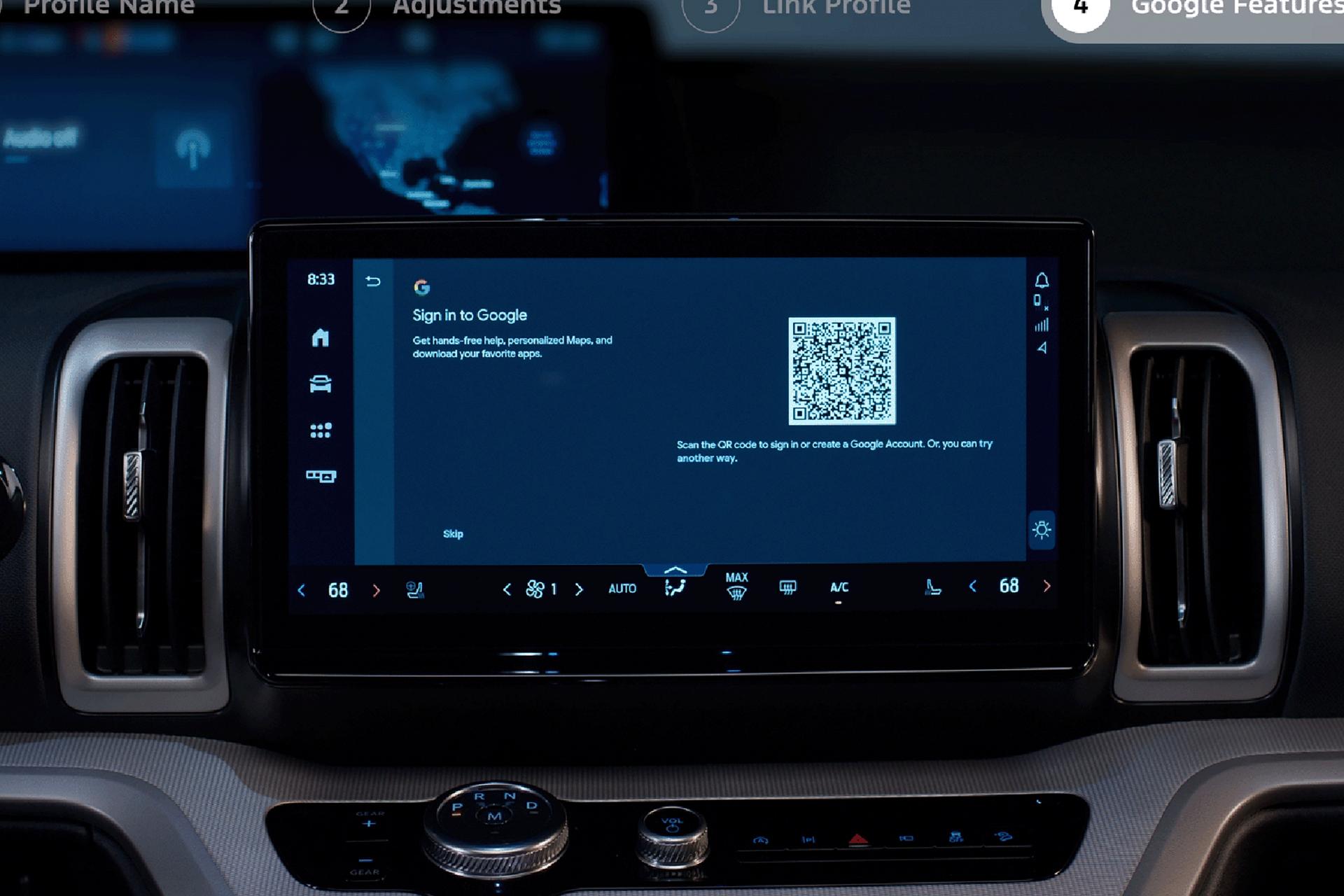
Set your memory driver’s seat, steering wheel (if equipped), and exterior mirror preferences. Link keys and phones. Sign in to your Google Account for further customization, such as pulling in your saved Google Maps destinations, sending your trip from your phone to your vehicle, and tailored assistance, like creating a custom playlist with Gemini.
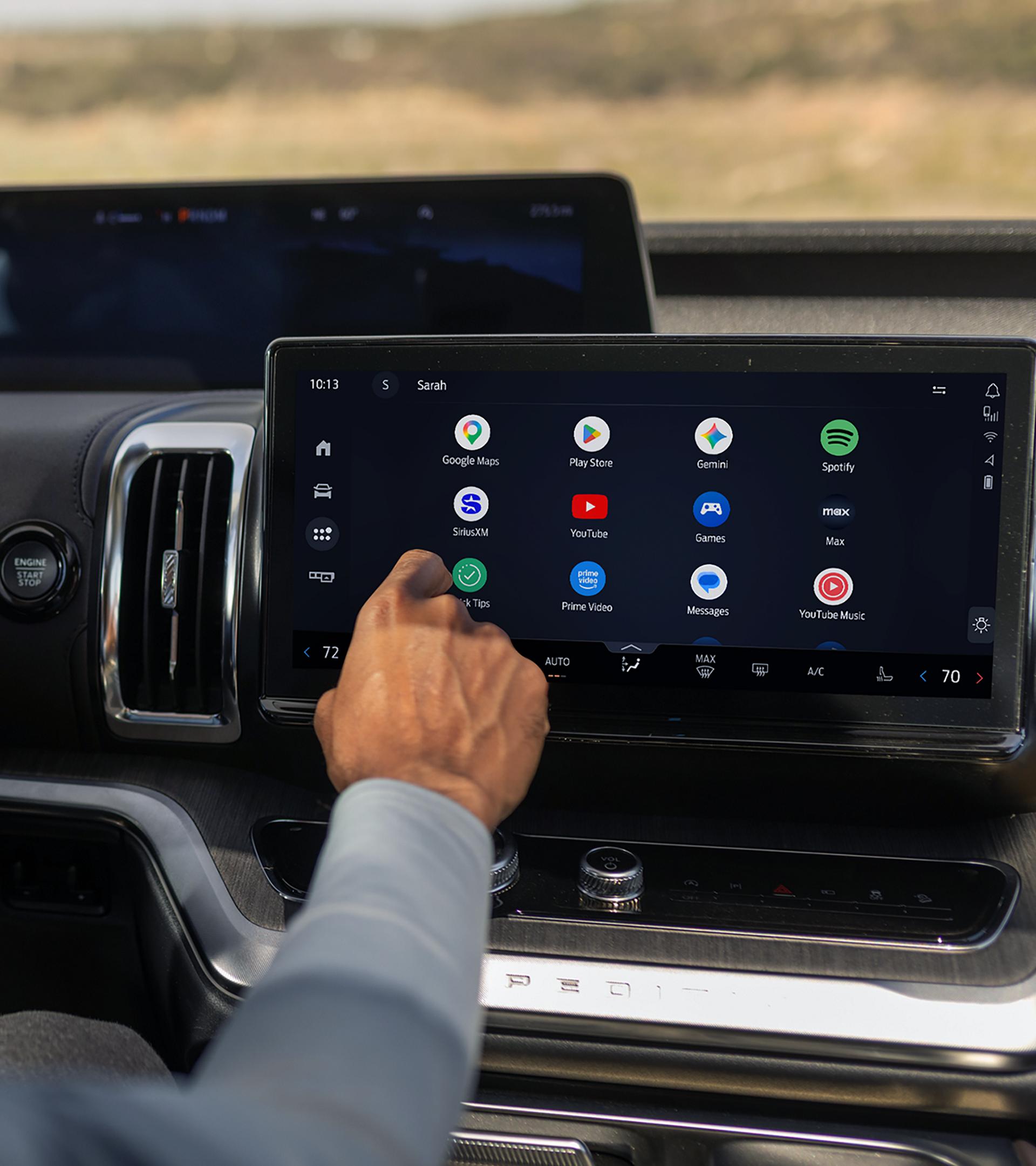
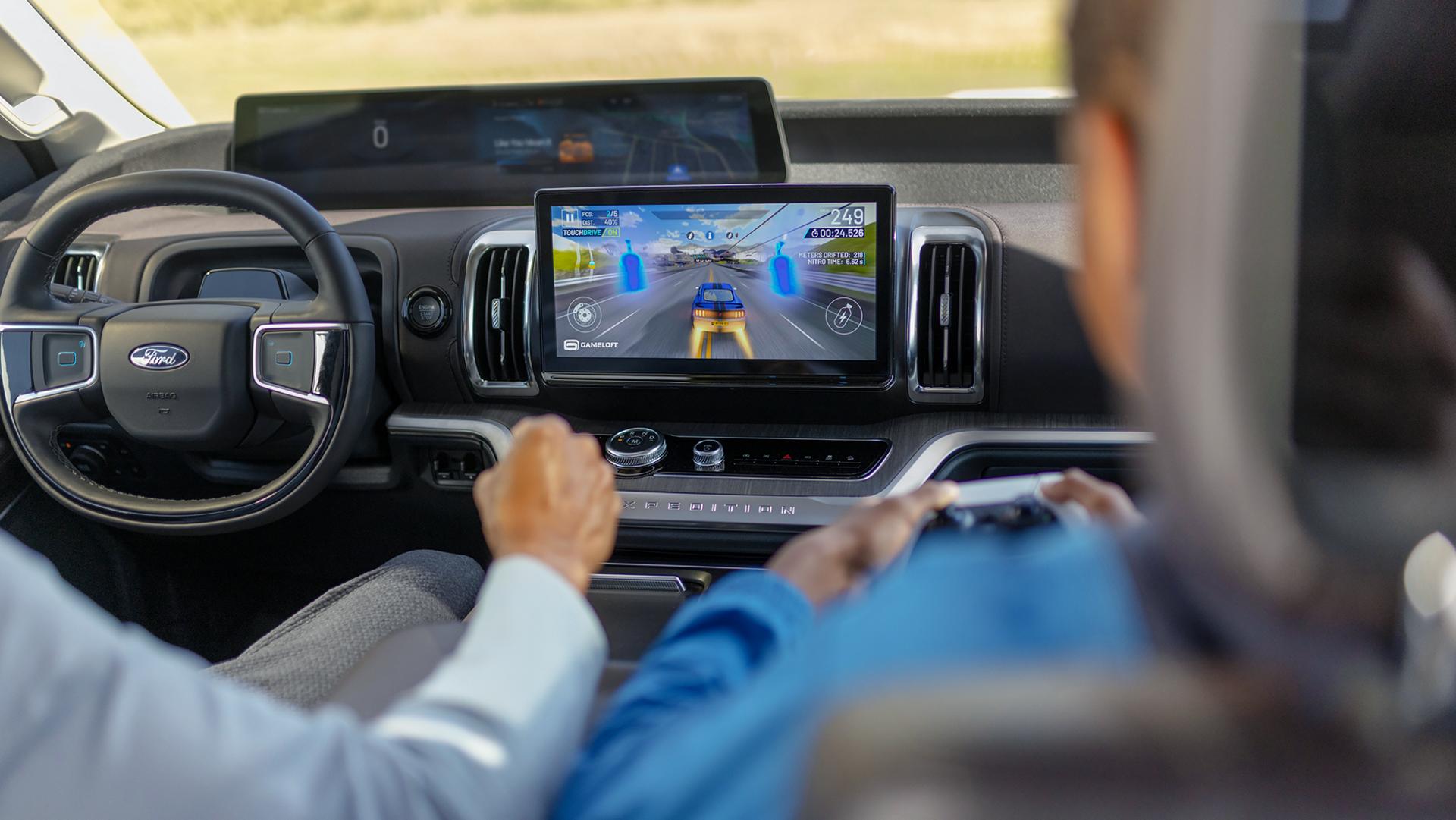
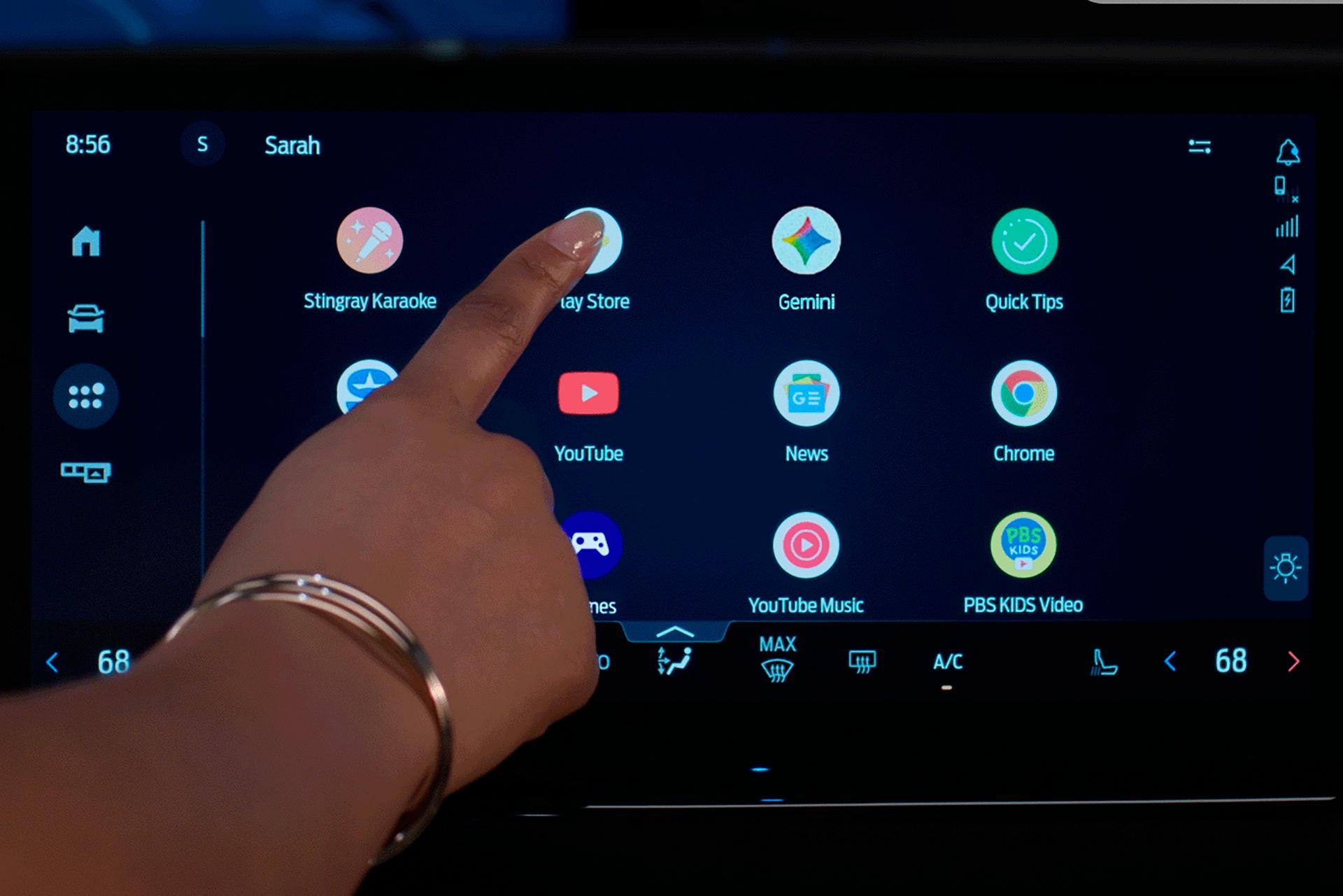
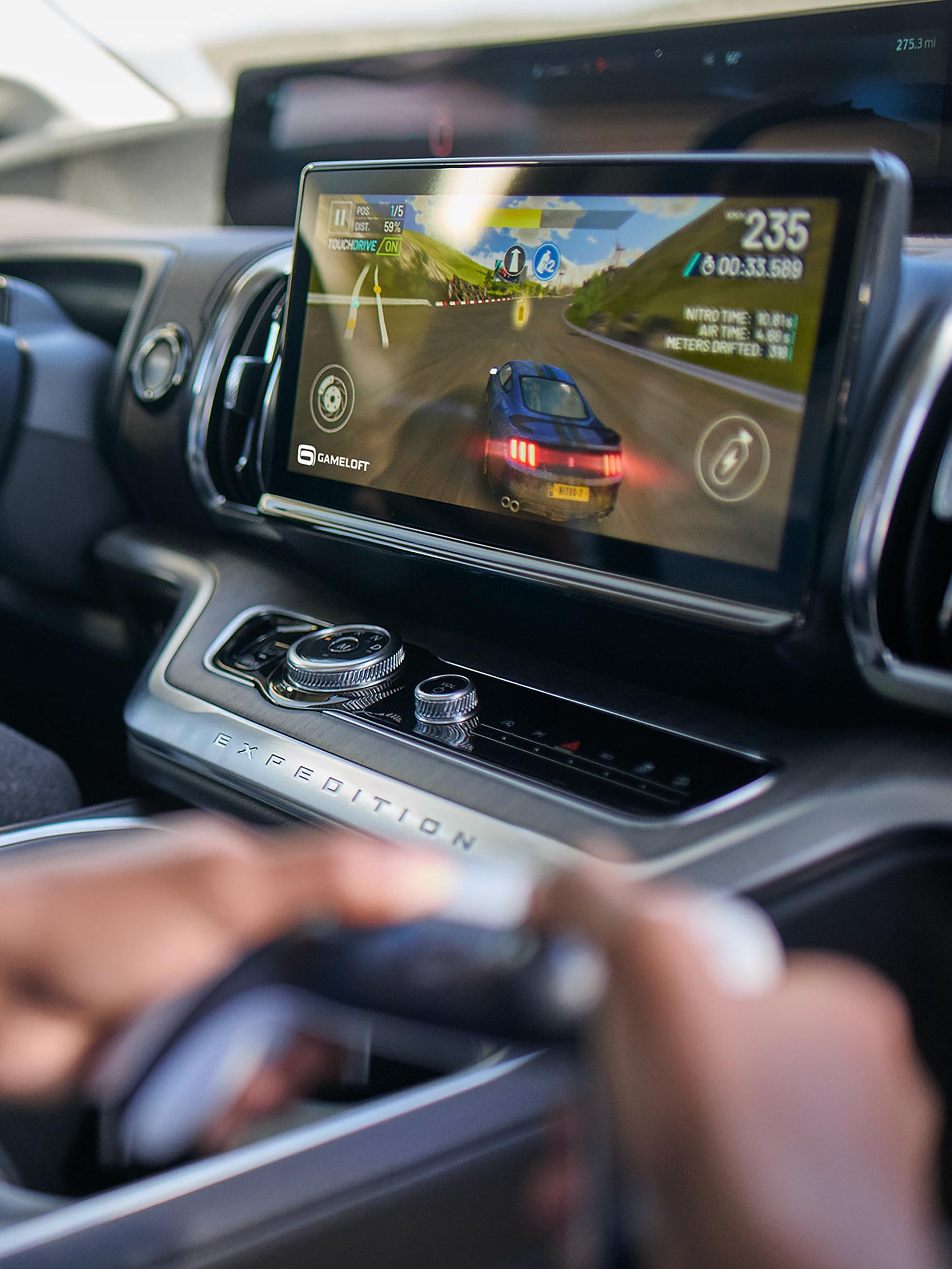
Download apps on Google Play directly to your vehicle, then use them right on your center display. Enjoy favorites like YouTube, HBO Max, and Prime Video, plus exclusive gaming, and audio apps like Spotify. *
Entertainment Avenue
Find and download apps on Google Play and use them right on your center display with an available Connectivity plan — you might even discover some new favorites.
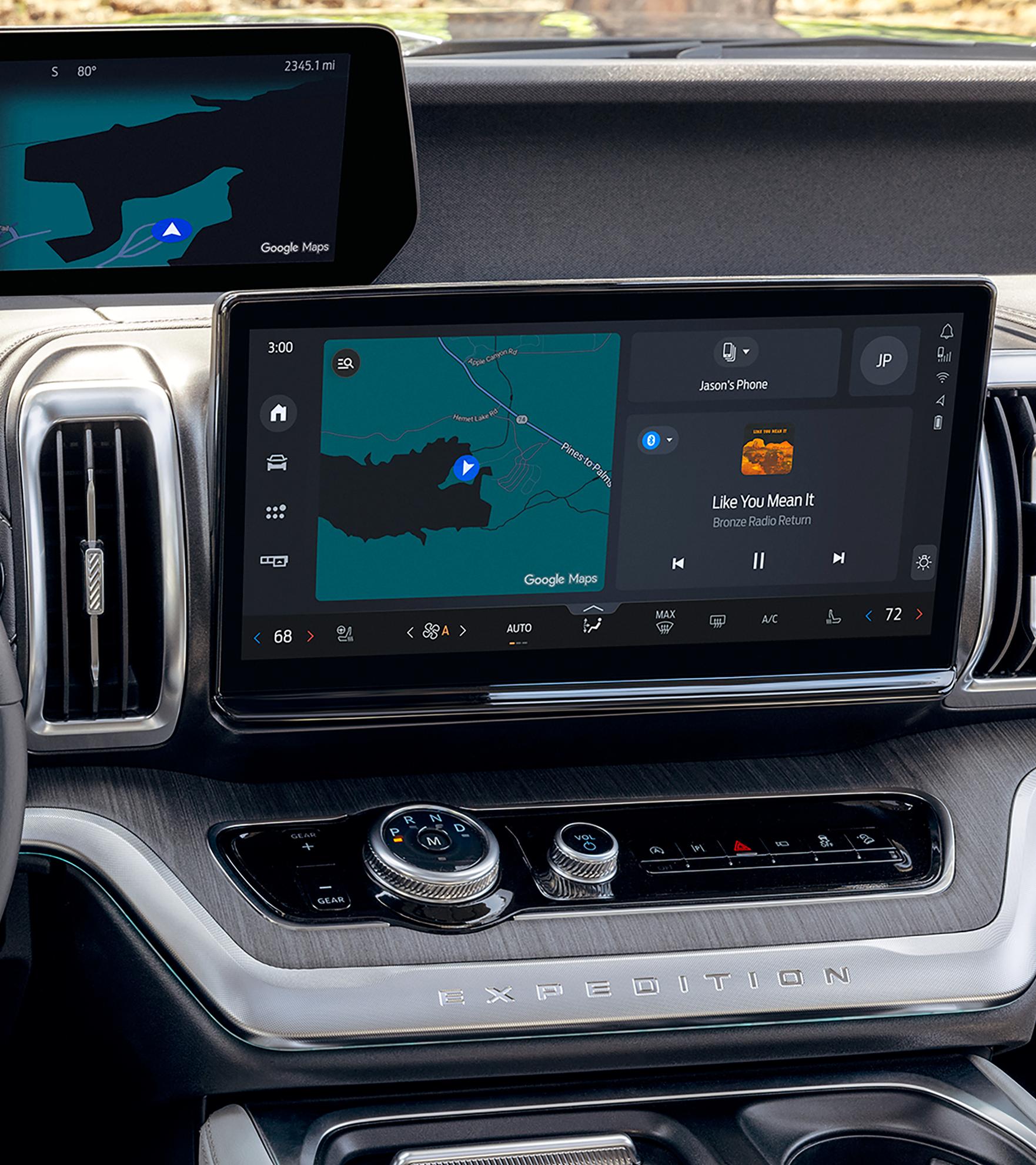
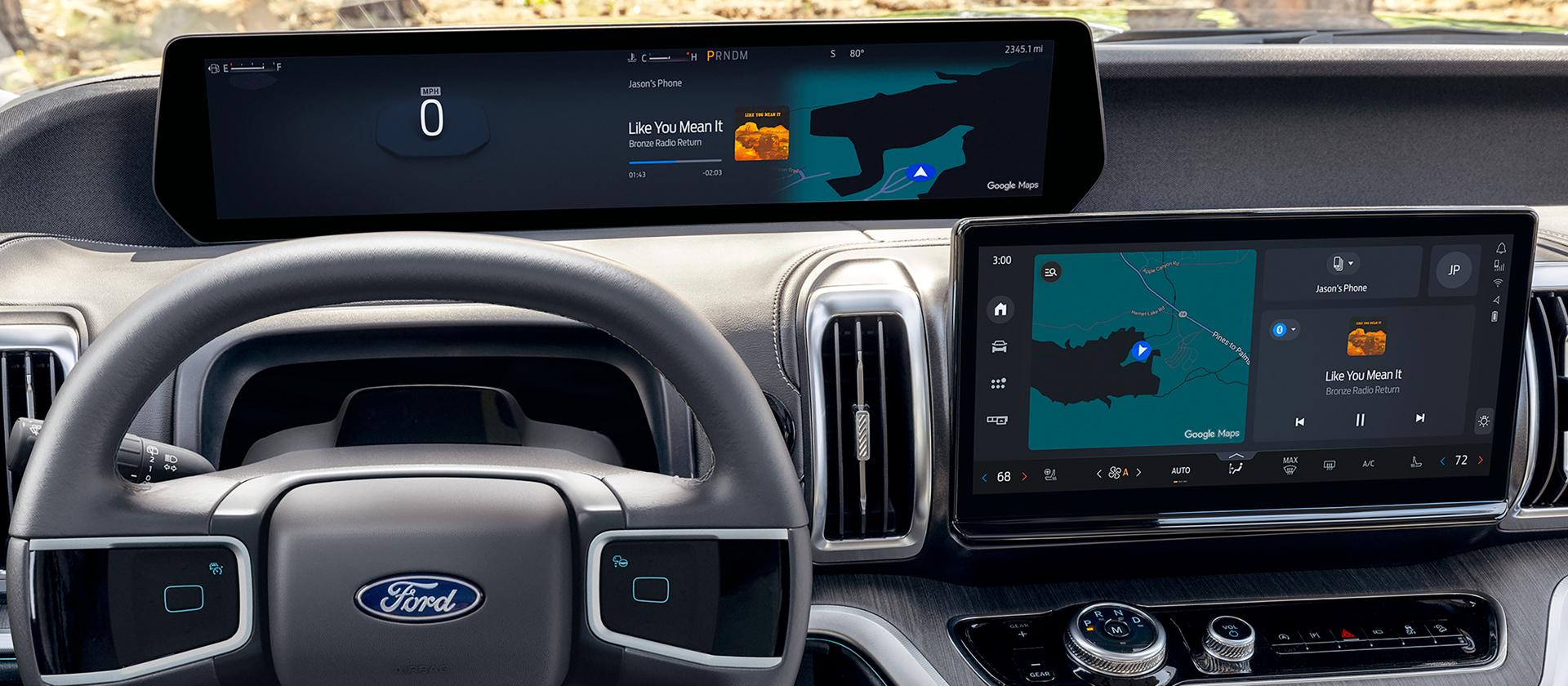
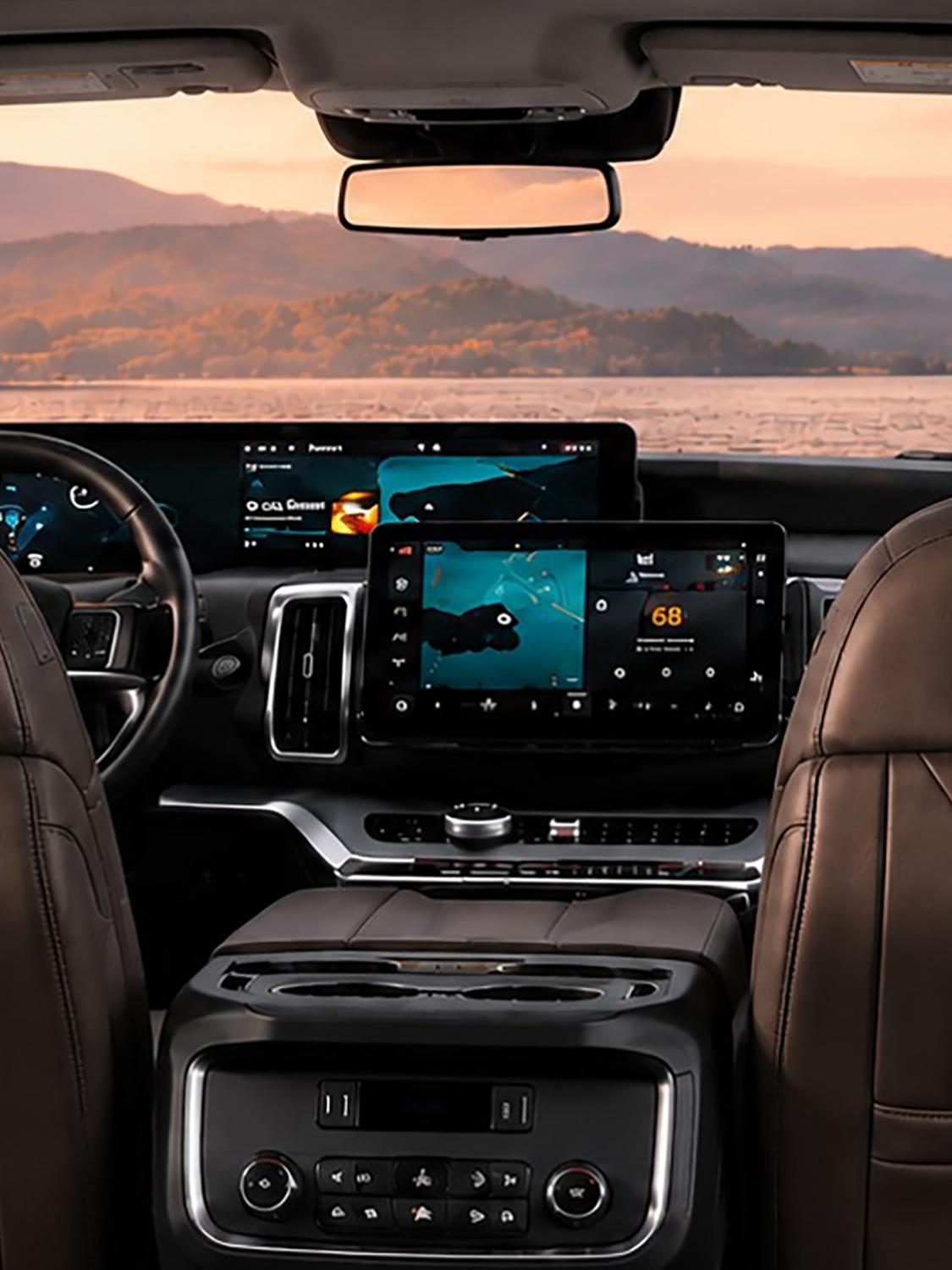
Our customizable, intuitive experience puts content right where you need it so your eyes can stay on the road where they belong — delivered via stunning visuals and animations across multiple in-vehicle displays.
Make Every Drive Your Own With Google
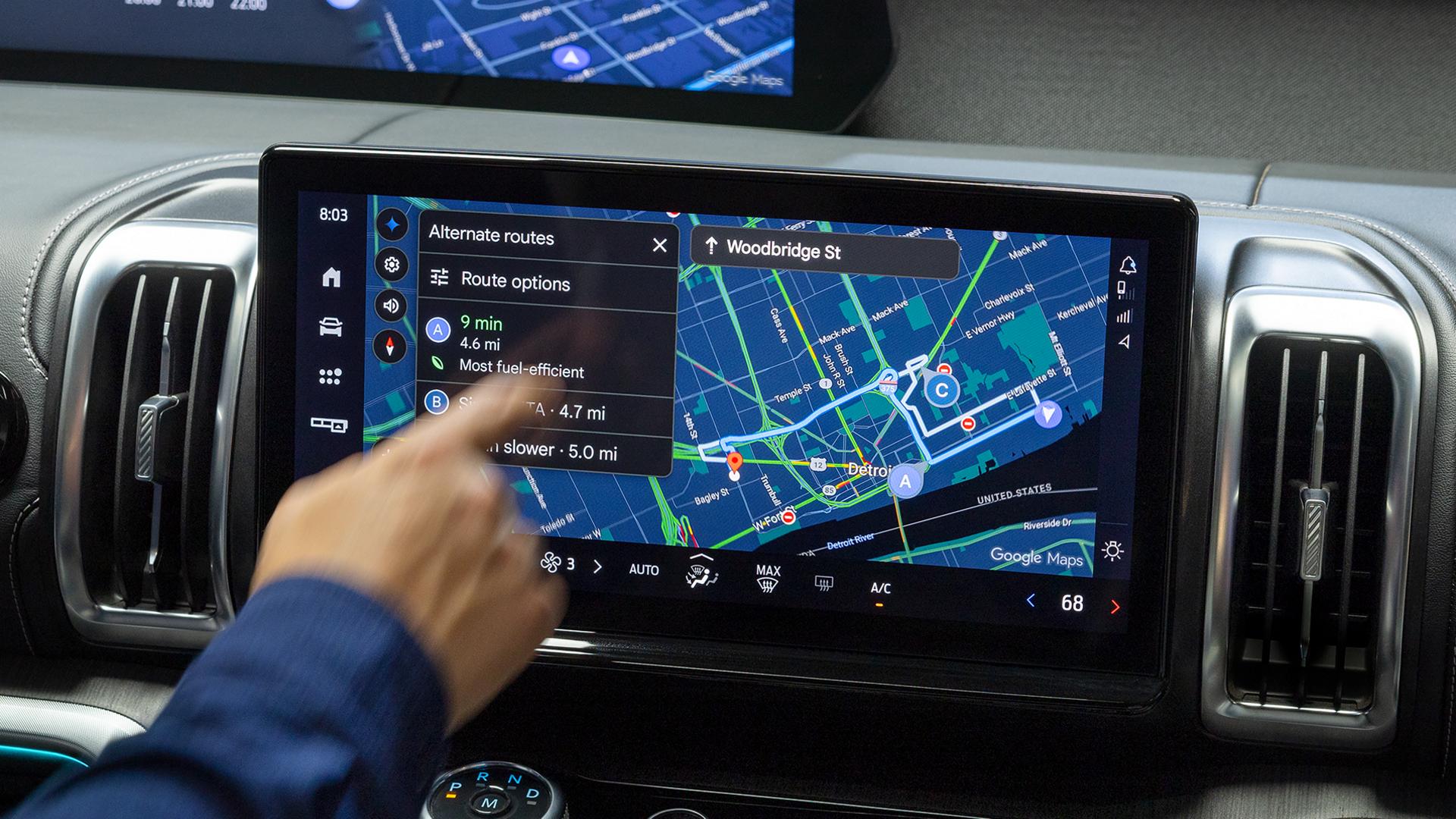
Sign into your Google Account to access Gemini, Google Maps, and more on Google Play for a connected, helpful, and personalized driving experience with an available connectivity plan.
Get the Experience
Check out the newest models featuring our latest in-vehicle technology.
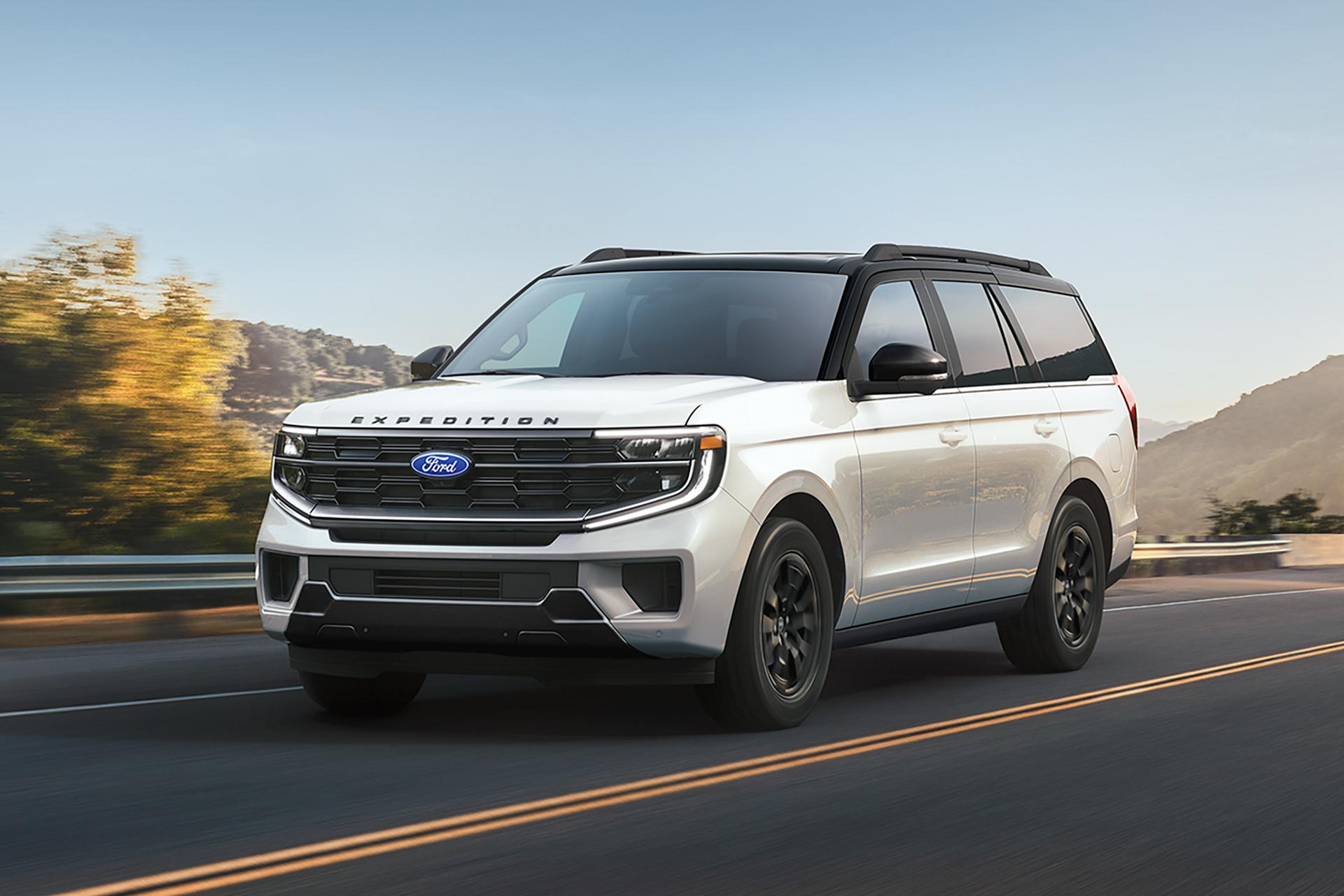
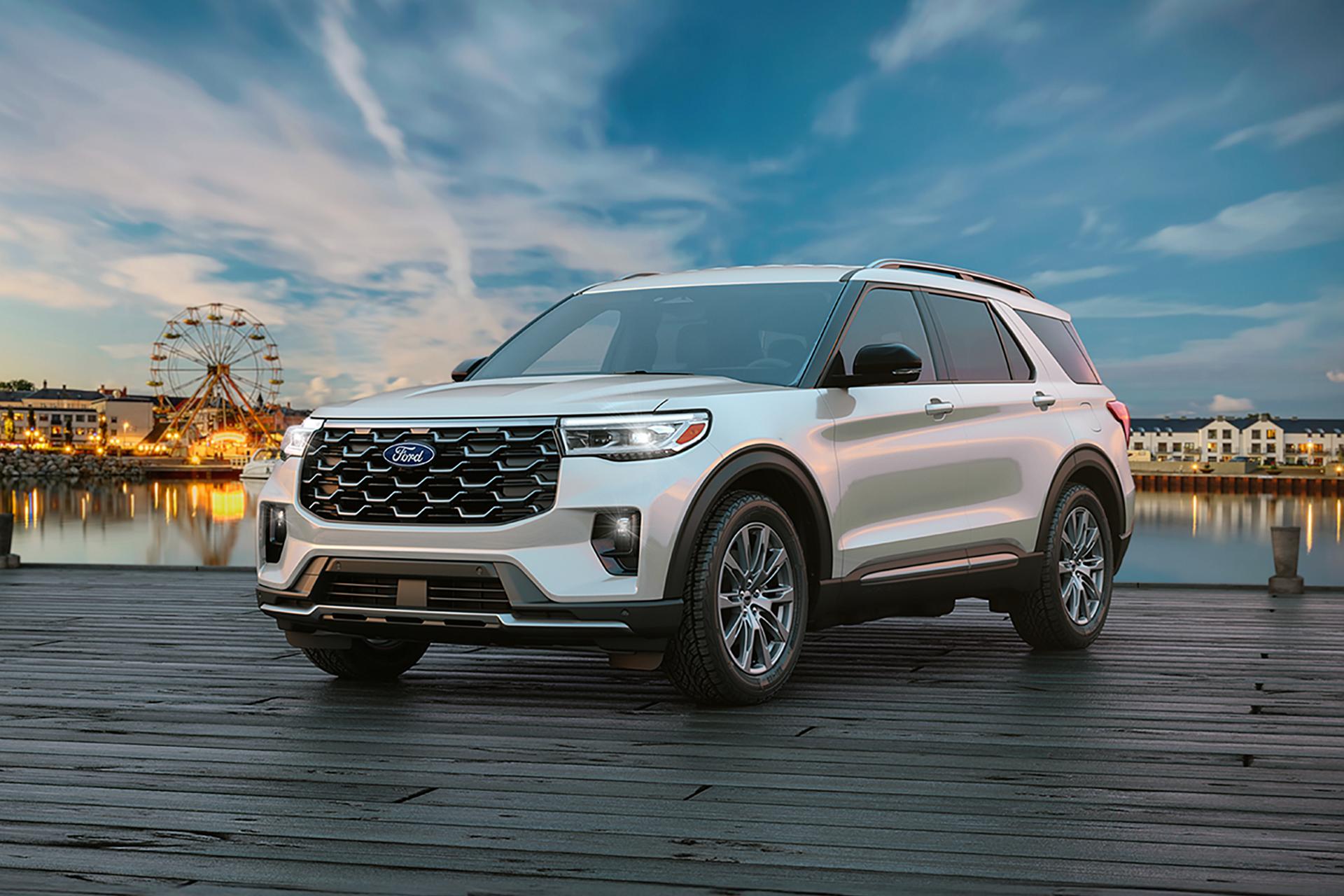
Ford Digital Experience hit the streets in 2025 with the Expedition® and Explorer® SUV.
The Ford Digital Experience gives you driver-first customization of content and settings to tailor your drive to your needs and preferences with fast connectivity, crisp graphics, and intuitive controls.
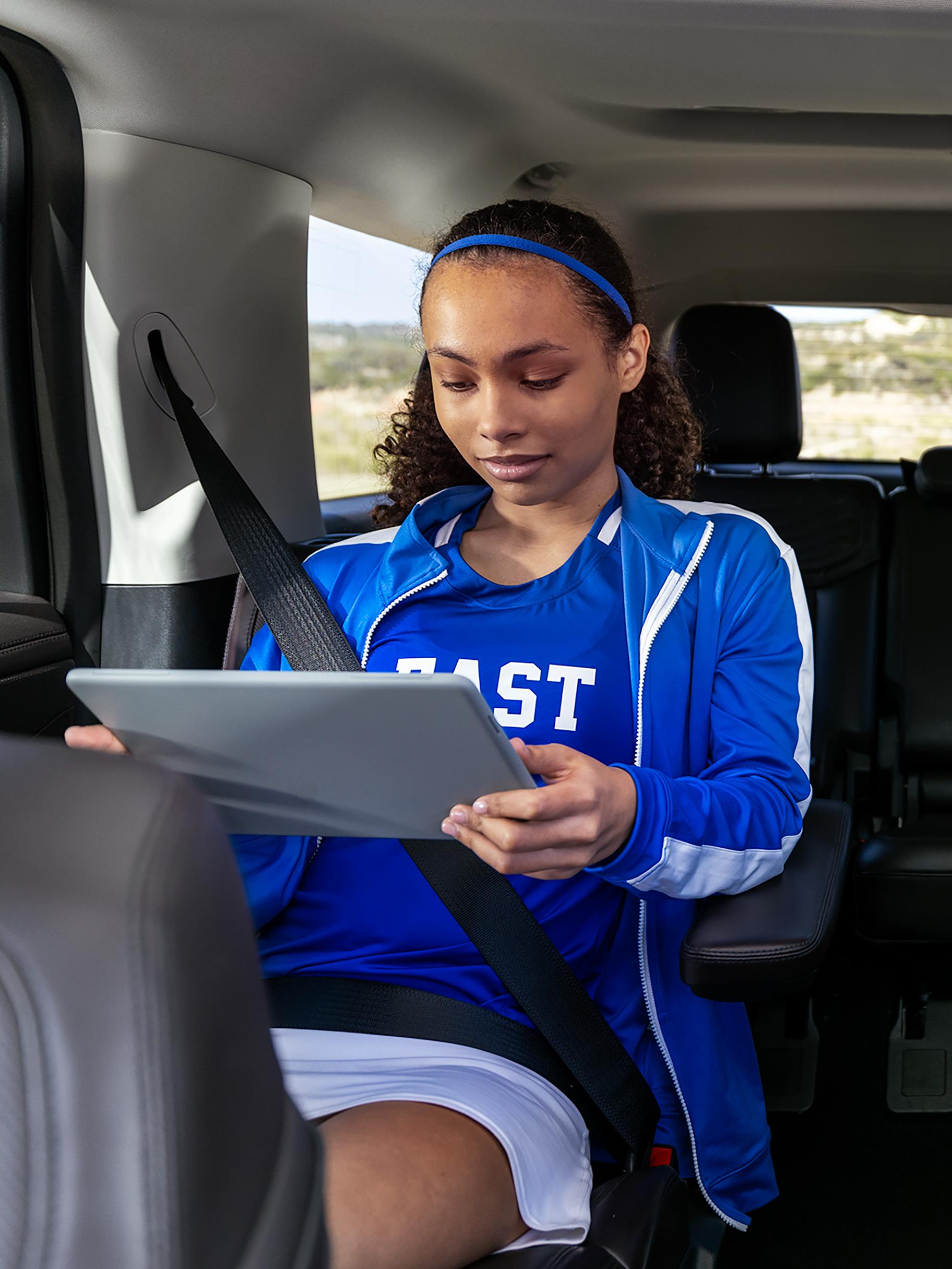
The 2025 Explorer® SUV offers available Ford Premium Connectivity with a one-year included plan that begins on your new-vehicle warranty start date. 25 You’ll receive notifications in the Ford app to confirm feature activation. Ford Premium Connectivity enables streaming entertainment such as music, video, and in-vehicle games. A separate Wi-Fi® hotspot is available for purchase through AT&T.
After your trial, you can renew your Connected Services plan through Ford.com/connectedservices or within the Ford app.
Please note that all other vehicles equipped with the Ford Digital Experience offer the available Ford Connectivity Package.
Enjoy your favorite music and video streaming apps, voice assistant, and real-time navigation right on the center display. 24, * The available Ford Connectivity Package is everything you need to stay connected wherever you go. Our 5G Wi-Fi® Hotspot allows you to connect up to 10 devices within 50 feet of your vehicle — with unlimited data. 197
The Ford Connectivity Package is available on:
A one-year included plan begins on your new-vehicle warranty start date. You’ll receive notifications in the Ford app to confirm feature activation. After your trial, you can renew your Connected Services plan through Ford.com/connectedservices or within the Ford app.
The Ford Digital Experience is a new spin on our in-vehicle technology. We’ve updated the cluster and center displays, as well as integrated Google apps and services like Gemini, Google Maps, and more on Google Play.
Both the Ford Digital Experience and SYNC offer available connectivity, as well as integration with your phone and many other shared features.
And the integration of Google apps and services into our new experience doesn’t mean you have to say goodbye to Apple CarPlay or Android Auto. You get to choose — these options are available and can work together.
The Ford Digital Experience will update through over-the-air software updates for system enhancements, design changes, bug fixes, etc. 161
Apps that you have downloaded on Google Play will be updated automatically when updates are available.
Note: Updates to apps downloaded on the Google Play Store will only happen if the vehicle is connected to Wi-Fi® or has an active Connectivity plan.
Bring the best of your phone into your vehicle. Check out how to wirelessly connect your compatible devices and use Apple CarPlay and Android Auto. 161
The following apps are embedded in the Ford Digital Experience:
You can also add additional apps on Google Play. Updates on Google Play will occur automatically, such as the addition of new available apps. Apps that you have downloaded on Google Play will also be updated automatically when updates are available.
Note: Updates to apps downloaded on the Google Play Store will only happen if the vehicle is connected to Wi-Fi® or has an active Connectivity plan.
Embedded apps cannot be deleted but some can be disabled. If the app is disabled, it will no longer show up on the App Drawer, and it will not function. To use the app again, you would enable it the same way it was disabled. This can be done in the Apps section of the settings menu.
Gemini is an opt-in upgrade from Google Assistant. With free-flowing conversations, vehicle-specific insights straight from your owner's manual, and more, the future of helpful driving is here. Learn how to upgrade.
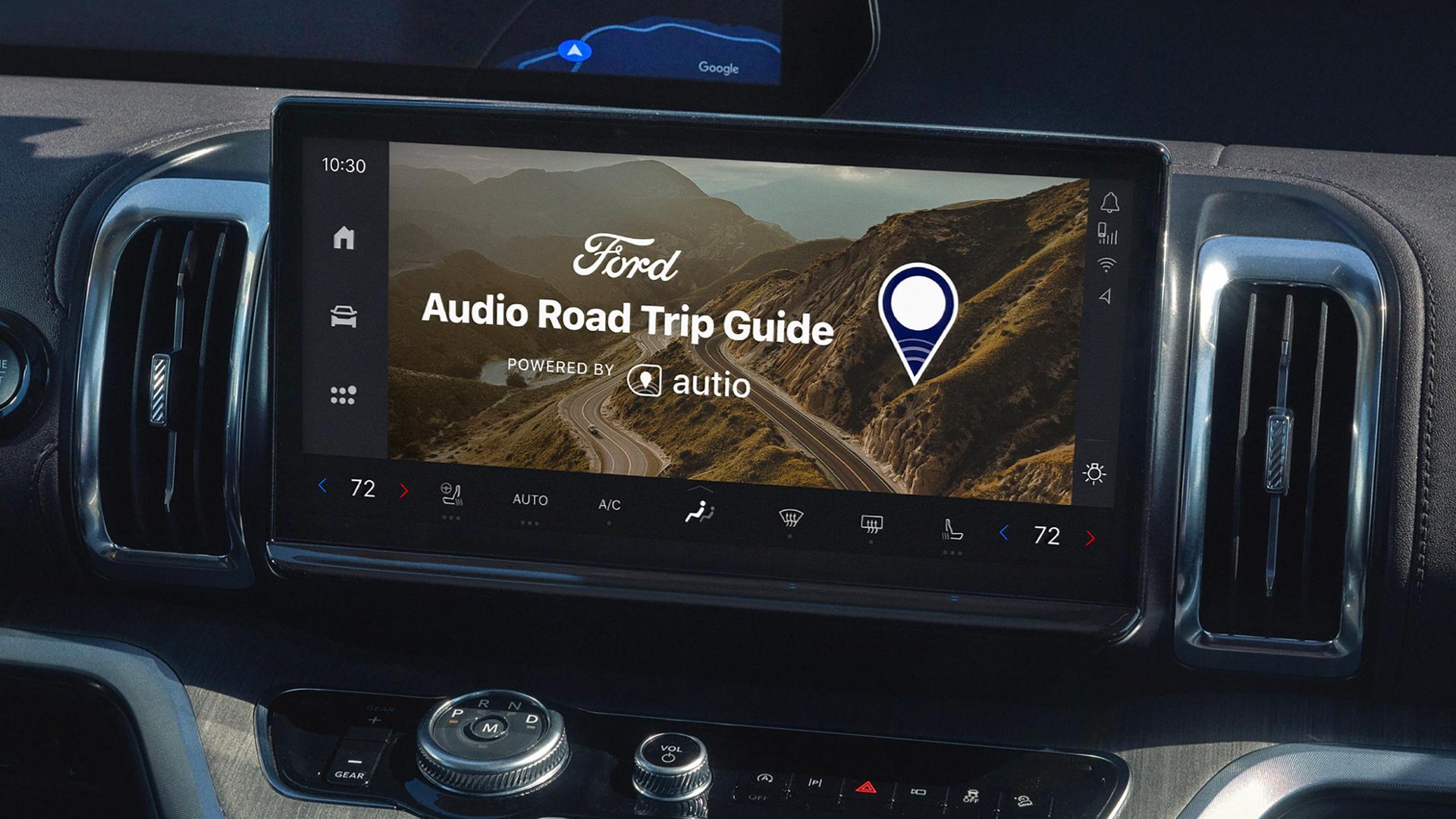
Download the Autio app on the Google Play Store. Then select the Autio app on your center display to start listening instantly