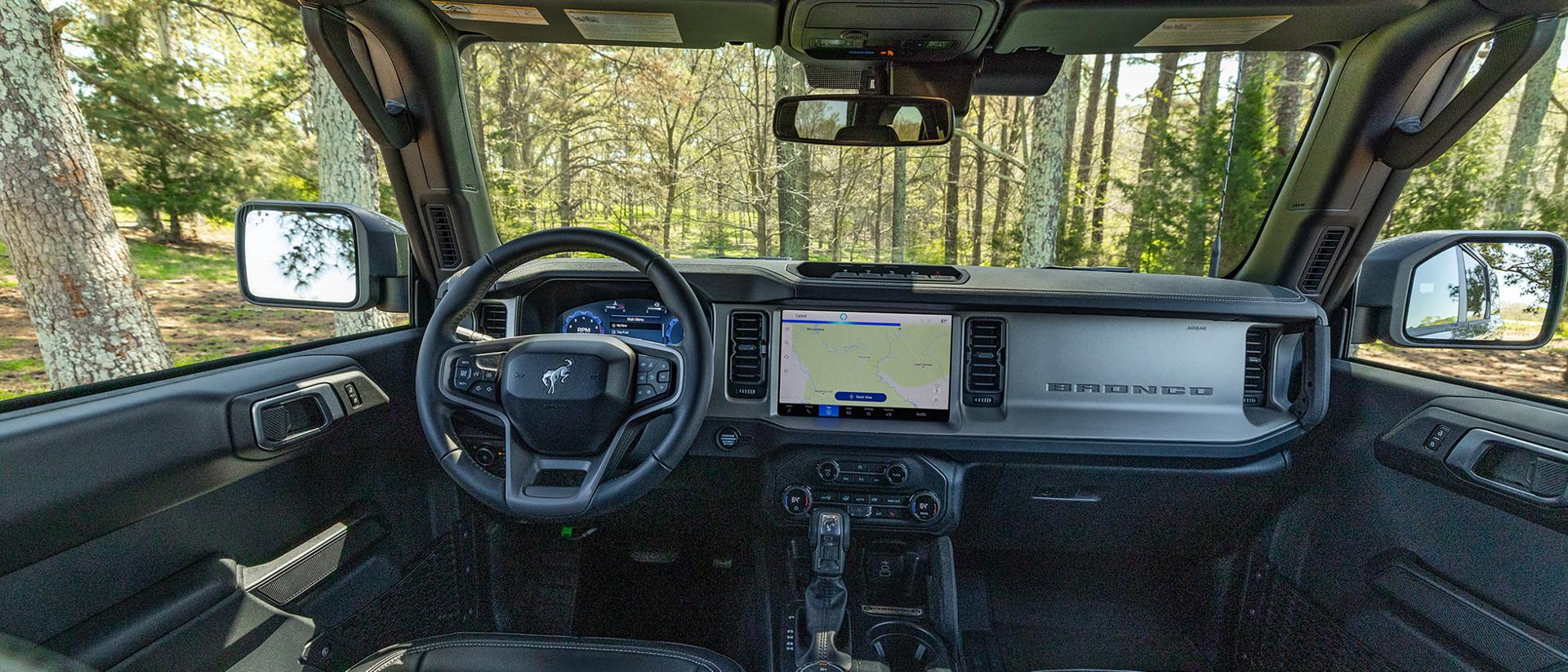
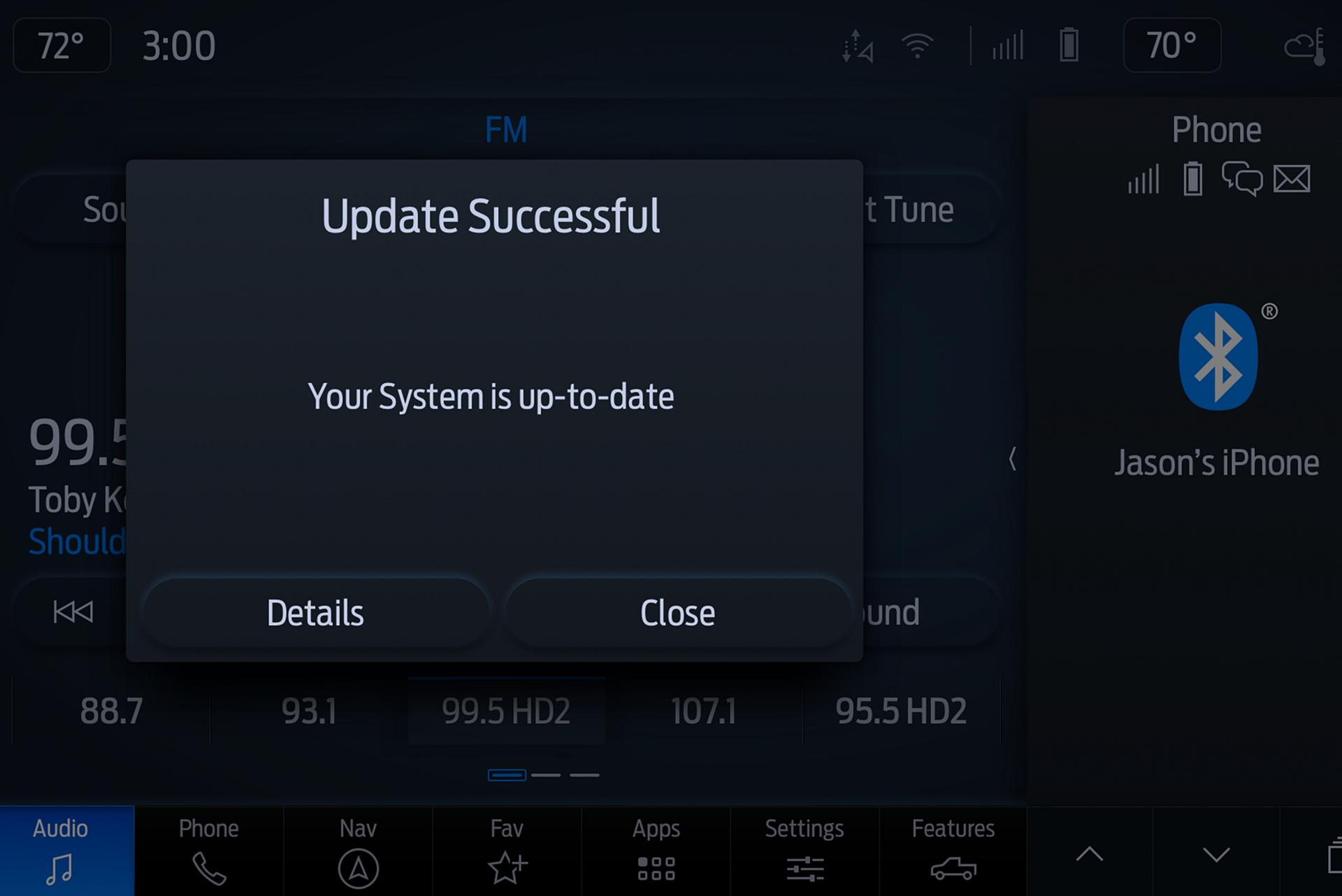
You keep your devices updated, do the same for your vehicle. Convenient, routine software updates 5 to help keep your Ford performing at its peak.
Go to the Source
Software updates are possible for Ford Digital Experience, SYNC® 4, and Technology vehicles. 27 Check for updates.
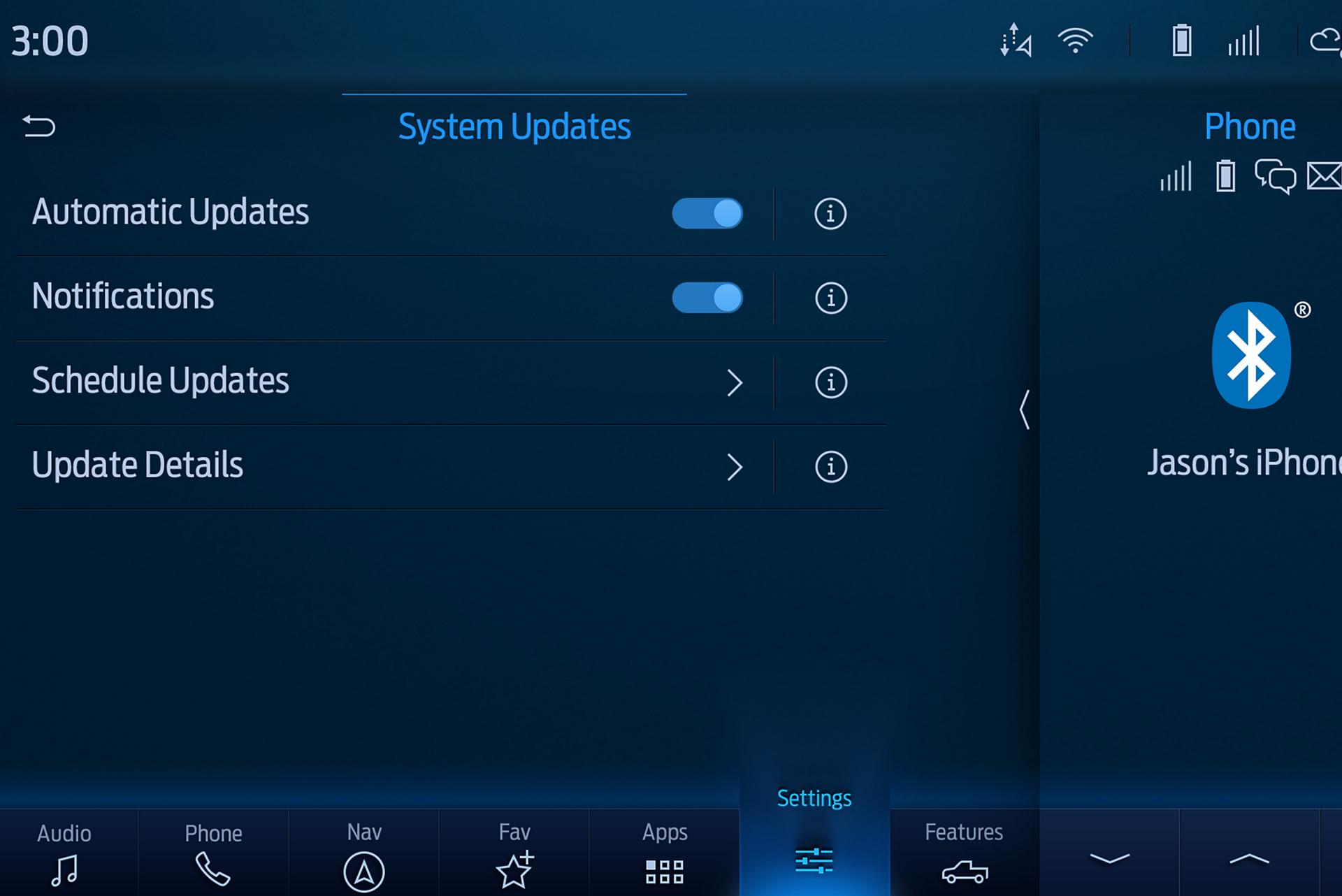
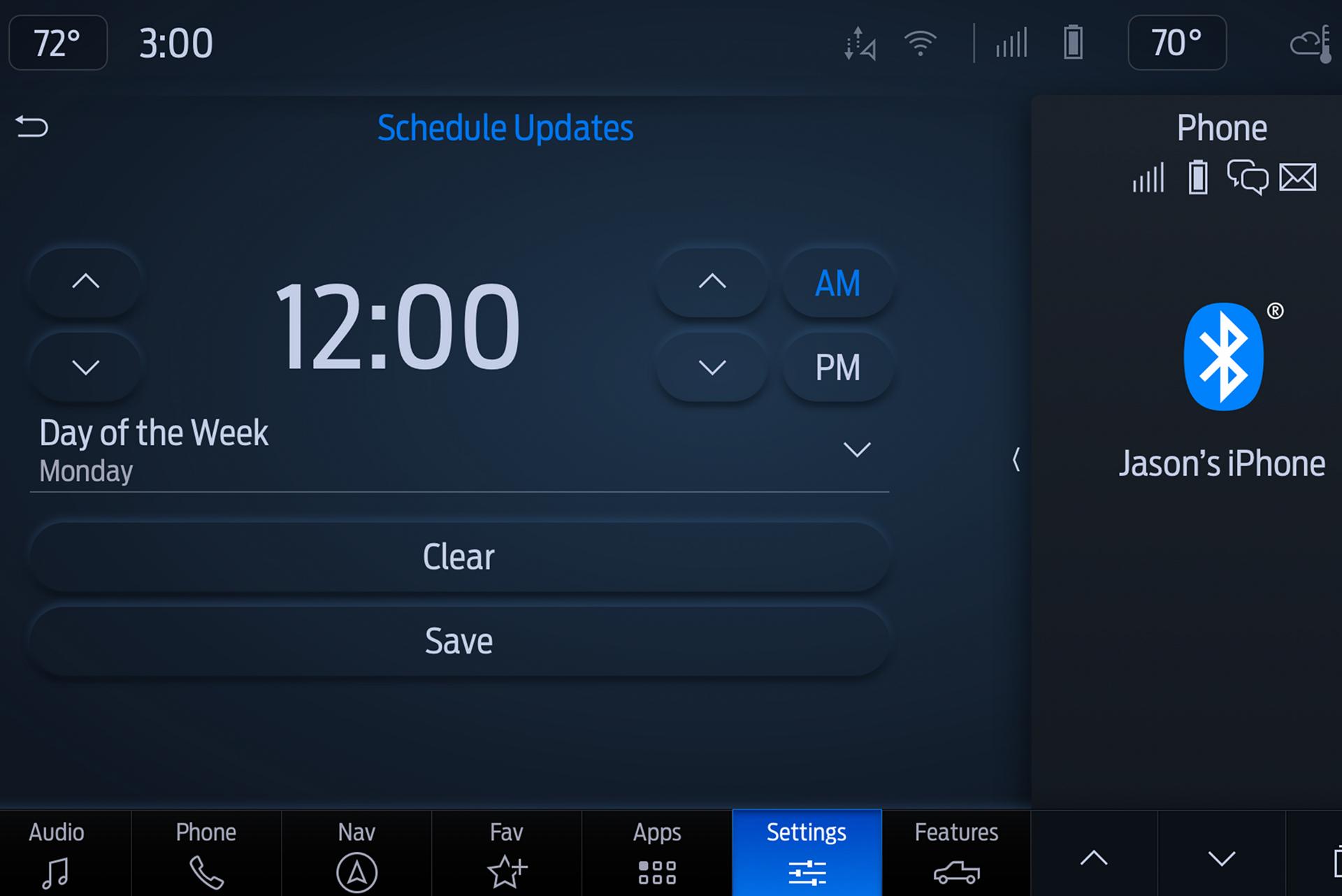
You can schedule over-the-air updates to make sure your vehicle is running the latest software. Learn how to schedule software updates for your vehicle.
There could be a few reasons:
Both in your vehicle and by logging in to your Ford account on the Ford app 164 or Ford.com.
Some updates require your vehicle to be parked with the ignition off for a period of time. When you set a recurring schedule, you can ensure that these types of updates will occur when it’s most convenient for you (e.g., overnight, during work, etc.). You’ll get an in-vehicle and in-app reminder before the update takes place. Learn how to set or change your schedule.
Yes, but it’s not recommended. With automatic updates turned on, you’ll have a more seamless update experience, and you’ll receive the latest features and enhancements without missing a step. Find more information on how to adjust settings.
You cannot cancel a Software Update once it has started.
You can contact the Customer Relationship Center, and someone will be happy to walk you through the process or you can contact your dealer.
Generally, no. Over-the-air software updates are designed to keep your Ford vehicle running optimally and have no additional cost. You will be notified if a software update has a cost associated with it.
Check to see if your vehicle has been involved in a recall. Certain recalls for software are updated over the air. With automatic updates turned on, you’ll have a more seamless update experience, and you’ll receive the latest features and enhancements without missing a step. Find more information on how to adjust settings.