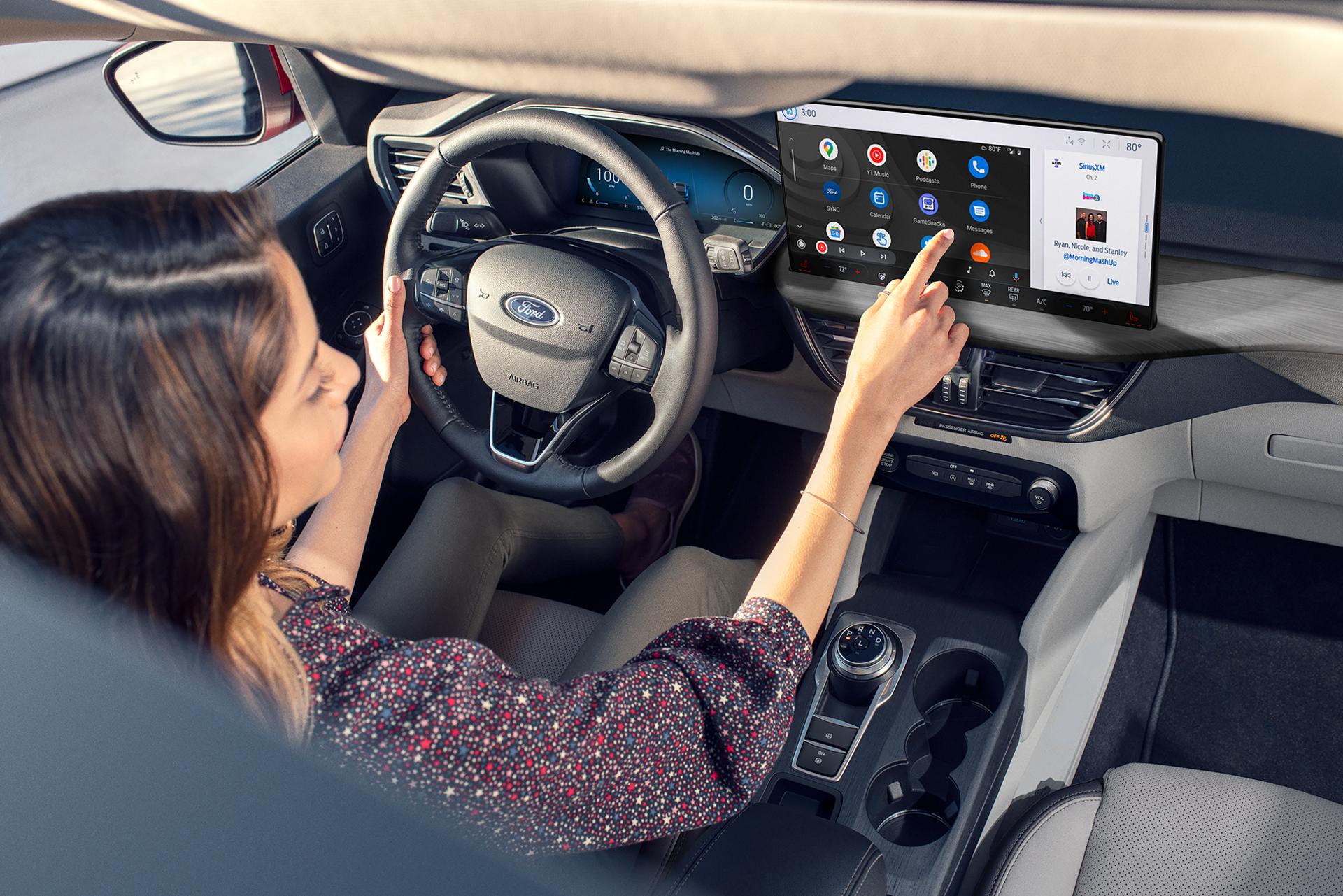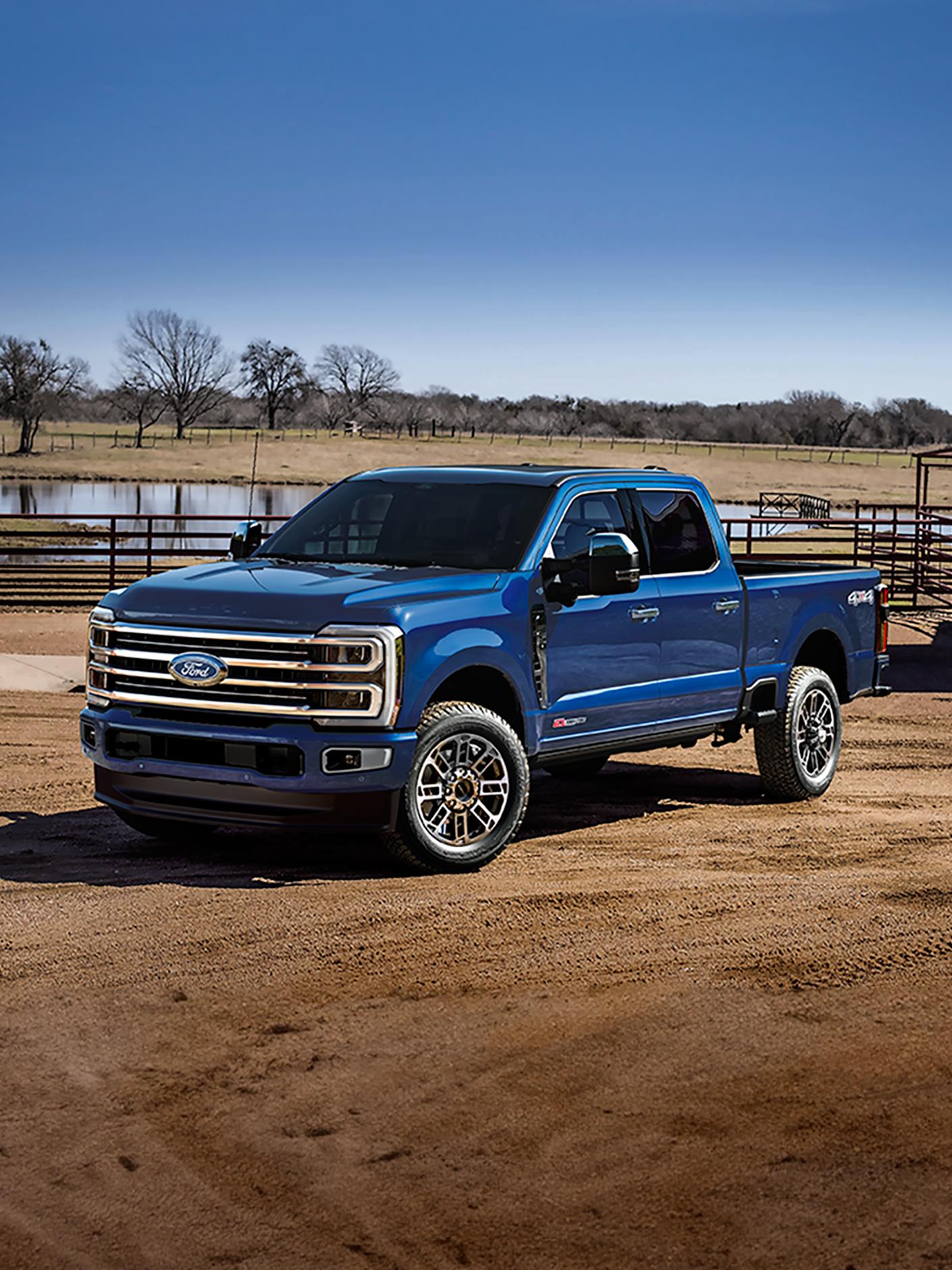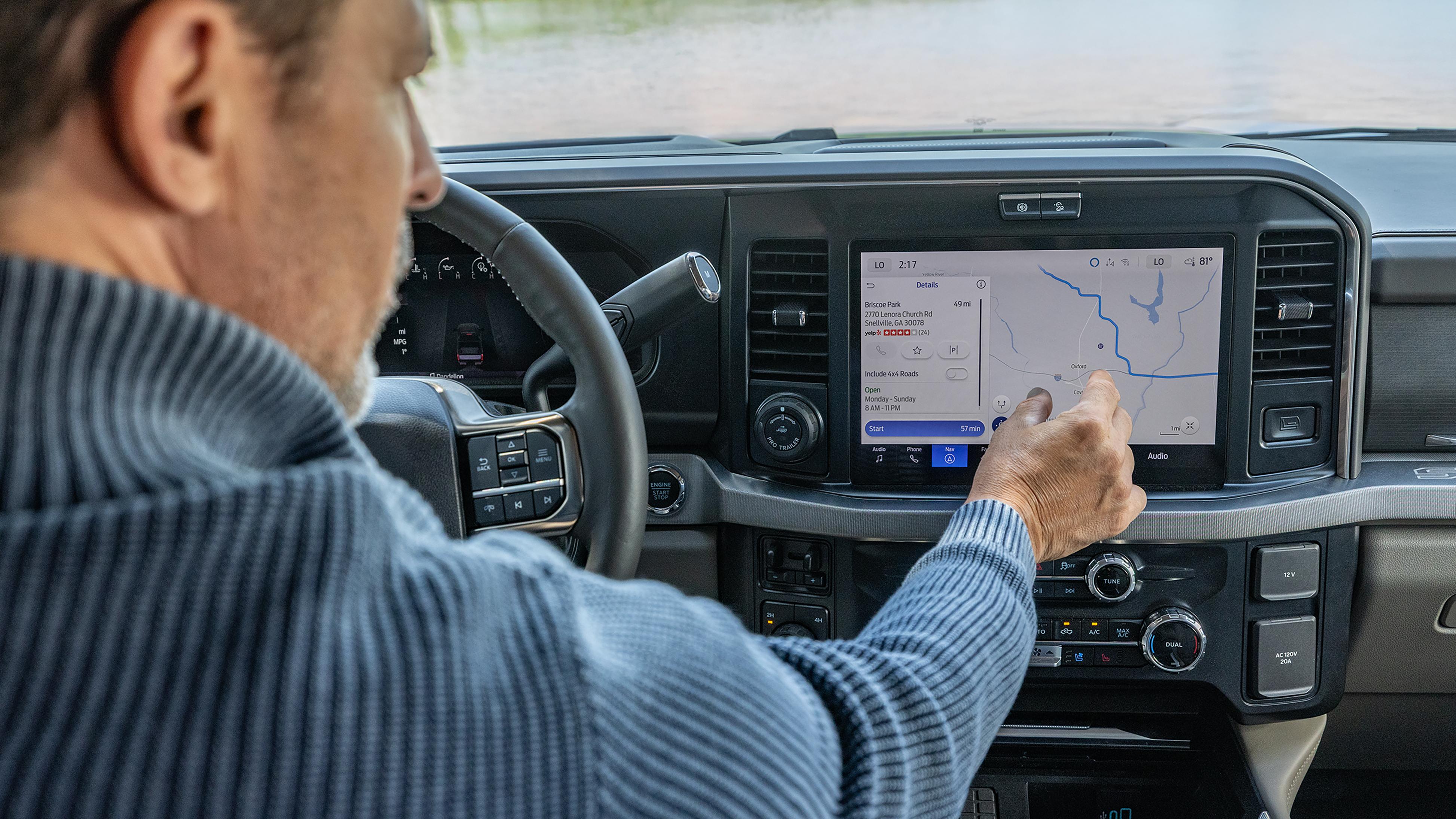
Available SYNC 4/4A Technology 27 provides hands-free connectivity to your compatible Bluetooth® wireless technology enabled phone. Access available features and apps, including Apple CarPlay® and Android Auto™, 161 through the center display or simply with the sound of your voice.
Take your digital life on the road with cordless control of your cell phone from your center display.
Pair your phone, press the Voice button on your steering wheel, and say the word for hands-free calling through your vehicle’s speakers and built-in microphone. 27
Access vehicle and phone features by saying the wake word or by pressing the Voice Control button and saying a command.
Connect Your Tech
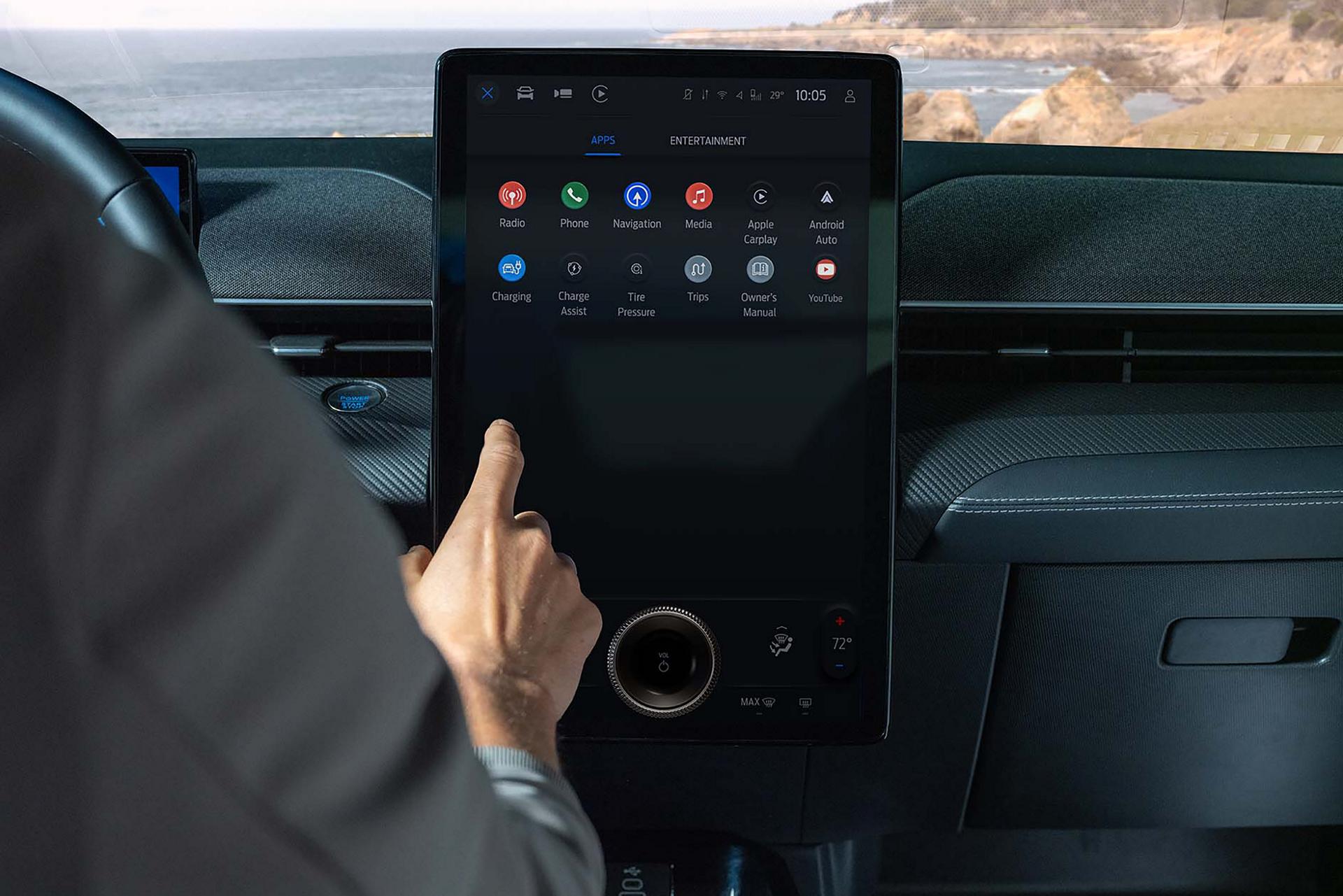
SYNC supports your preferred in-vehicle interface, offers available Wi-Fi® hotspot capability, 9 and provides multiple streaming options for music, videos, and more.
Get the Latest
Available SYNC 4 and 4A Technology 27 is your connection to what keeps you going — and to some of the apps you use most often. And it’s updated over the air. 5
SYNC made its first connection in 2007 and has been helping to keep people connected with their Ford vehicles ever since.
Additional Support
Get answers and support for previous generations of Ford SYNC Technology.
SYNC Technology 27 provides hands-free connectivity to your compatible Bluetooth® wireless technology enabled phone. Access available features and apps, including Apple CarPlay® and Android Auto™, 161 through the center display or simply with the sound of your voice.
There are multiple generations of SYNC Technology 27 with our newest vehicles offering SYNC 4/4A. The first generation was introduced in 2007. Find a list of each SYNC generation and identify your version.
You can schedule over-the-air 5 updates on certain SYNC generations to make sure your vehicle is running the latest software. Learn how to schedule software updates for your vehicle.
An older SYNC 27 system cannot be upgraded to a newer one because they use different hardware that cannot be exchanged.
Yes. You can play audio from your media devices (e.g., smartphone, digital music player, etc.) through your SYNC 27 system. Learn how.
All vehicles equipped with SYNC 4 and certain vehicles with previous SYNC generations have Apple CarPlay and Android Auto compatibility. Check your Owner’s Manual for compatibility.
Find instructions to connect your Bluetooth wireless technology enabled device to your SYNC 27 system.
Restore SYNC 27 functionality without deleting data that you have stored, such as paired phones, radio presets, and/or saved navigation points by following these steps.