Driver-Assist Technology
Image Details
Image Details
Ford Co-Pilot360® Technology features * are designed with one thing in mind — helping you feel in control behind the wheel.
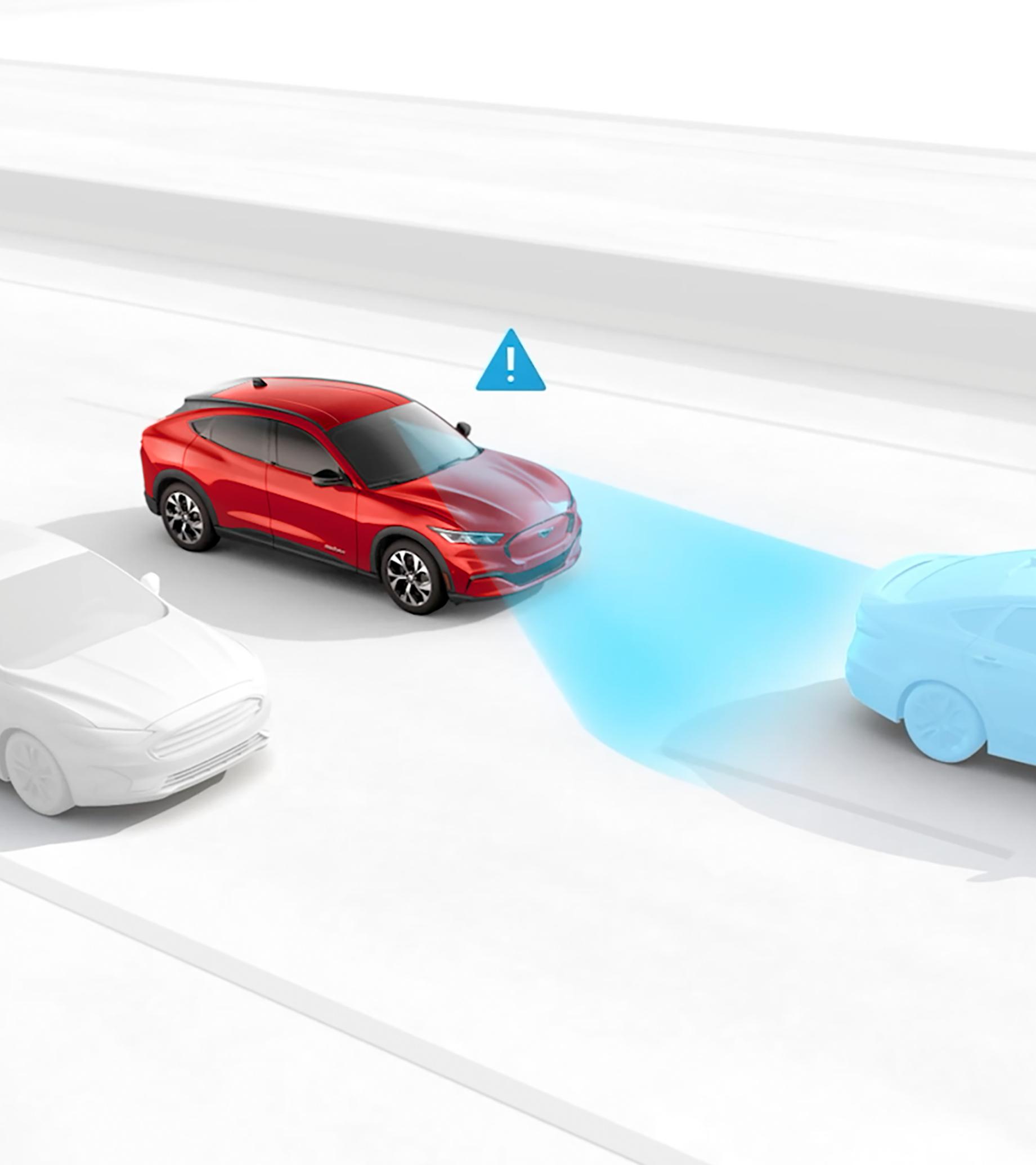
Designed to help reduce the impact of, and in some cases avoid, a frontal collision. If the system’s sensors detect a potential collision, a warning flashes, an alert sounds, and the brakes are applied if needed. 10,*
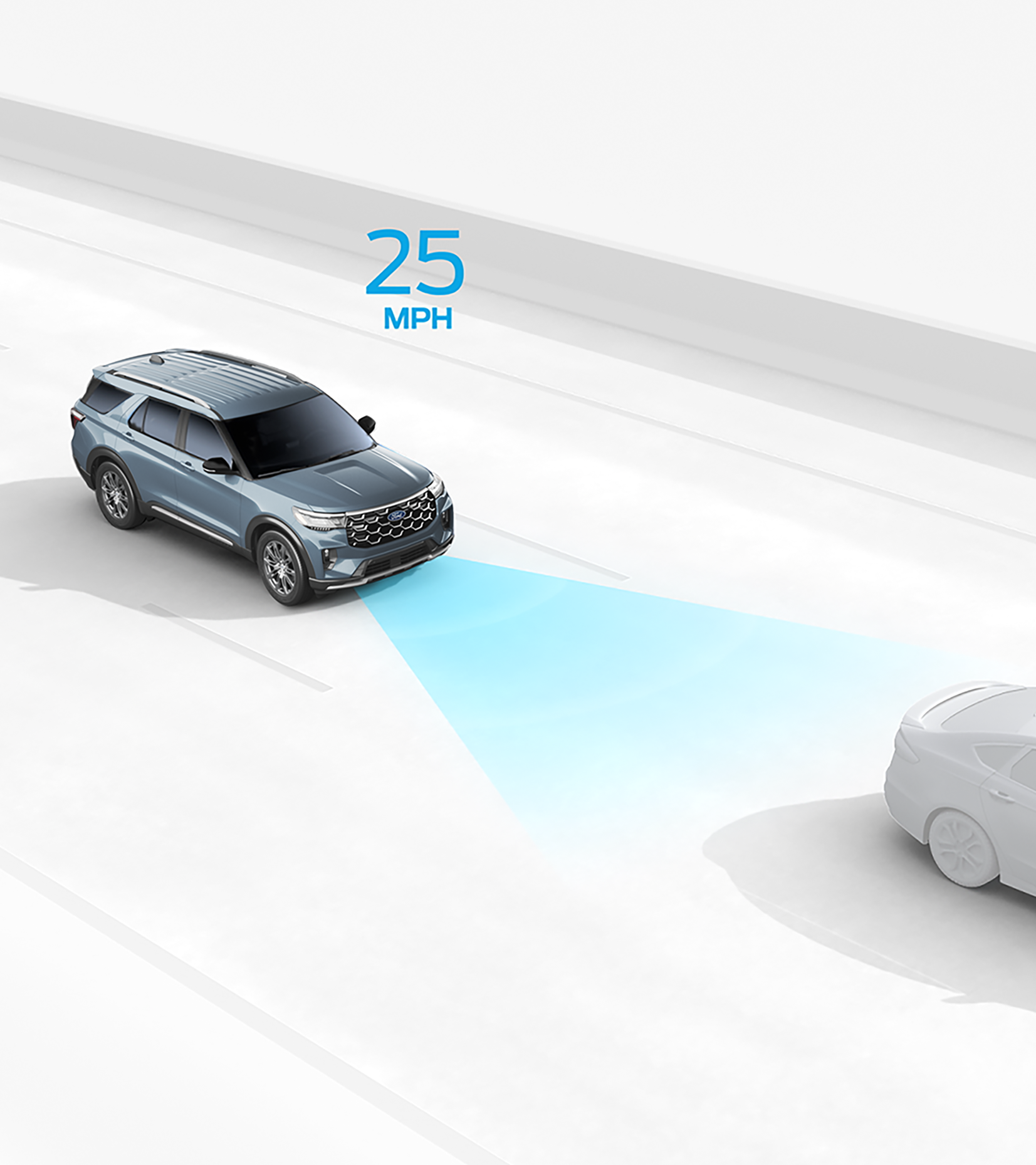
Available Adaptive Cruise Control can help maintain your set speed and distance from the vehicle ahead, even helping bring your vehicle to a complete stop when traffic slows. Lane Centering provides steering assistance to help keep your vehicle centered in its lane, while Predictive Speed Assist can automatically adjust your speed for changing speed limits and certain road conditions, such as curves. 10, **
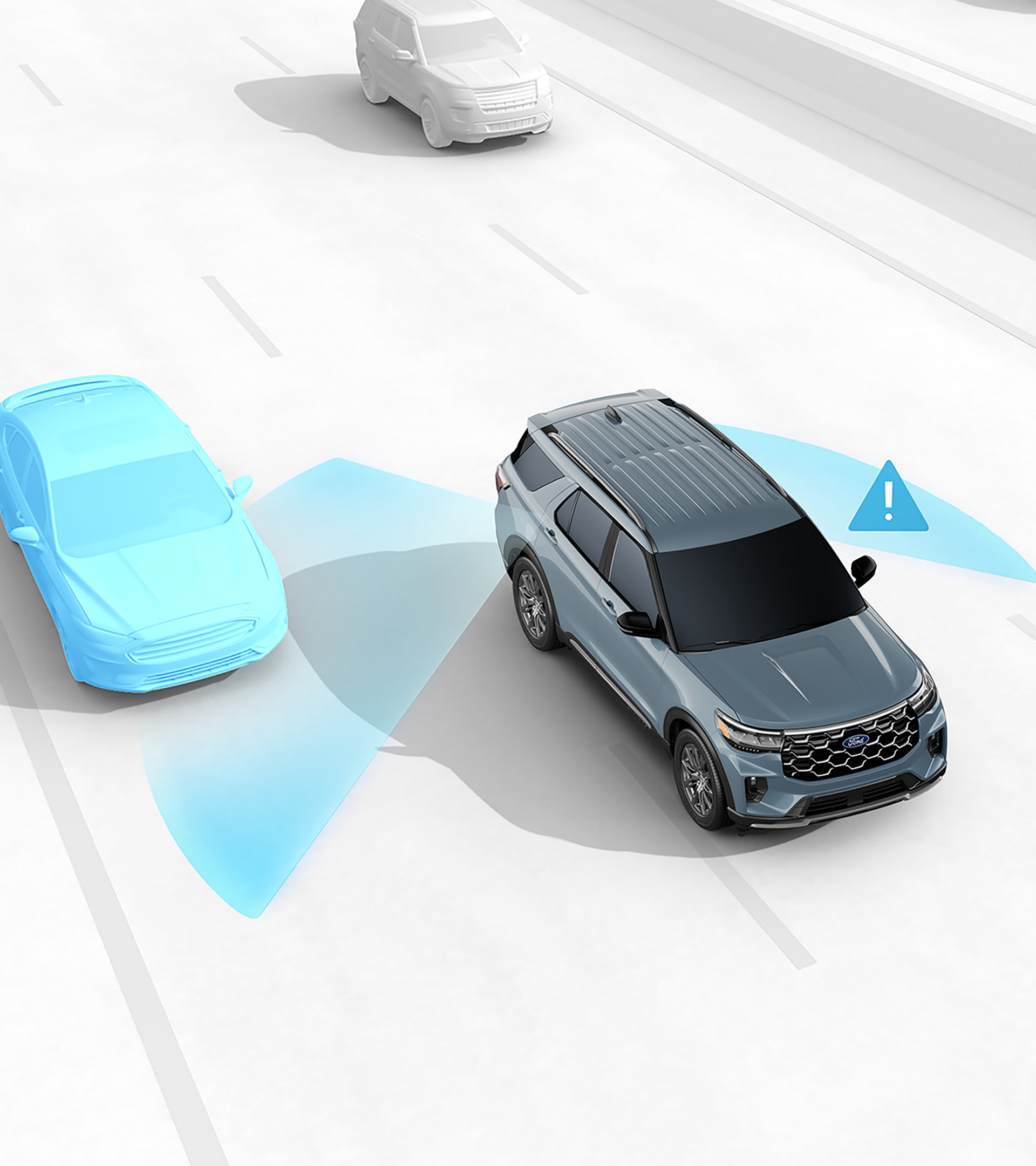
Available Blind Spot Assist lets you know if there’s a vehicle beside you with a lighted symbol on the side view mirror. In addition to a visual cue, resistive steering torque can help let you know when you are leaving your lane. †
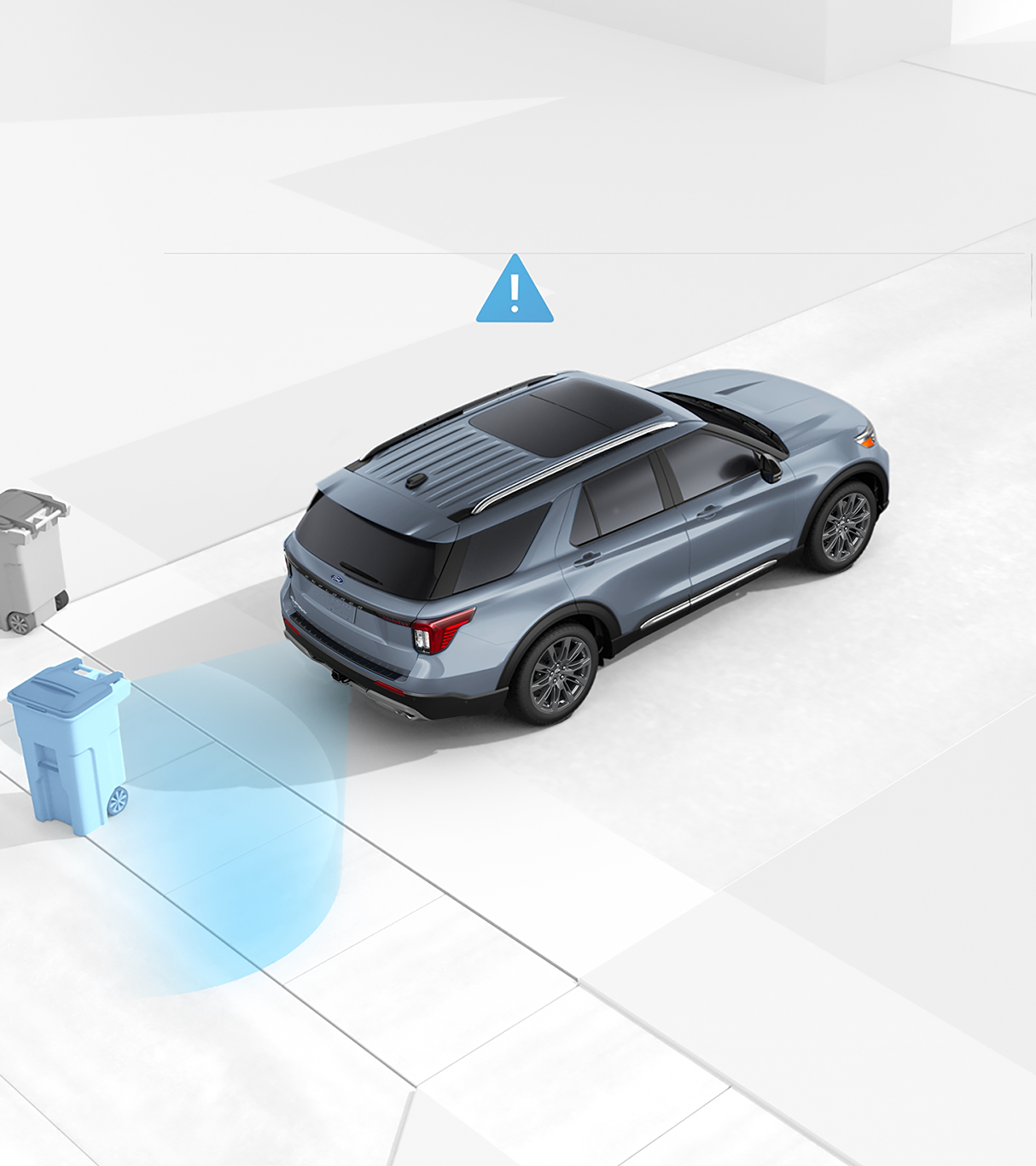
Available Reverse Brake Assist can help detect certain objects behind your vehicle while you’re backing up and, if needed, can automatically apply the brakes to help reduce the chance of a collision. ††
Help for Steering Clear

Go With Confidence
Discover which models assist you with Ford Co-Pilot360® Technology.
Helping support drivers in a busy and distracted driving world since 2018.
Ford Co-Pilot360® Technology driver assist features are designed to help you feel in control behind the wheel. *
Cruise according to your preferences and environment with this available feature. Your vehicle can use camera and radar to maintain your set distance from the vehicle ahead, even stopping completely if necessary. The smart system will resume your set speed when traffic allows. It can also scan road lines and help keep your vehicle centered in its lane. 10, *
To turn the Lane-Keeping System on or off, press the button at the end of the left-hand turn signal stalk or on the steering wheel. Feature availability varies by model year and trim. Check your Owner's Manual for more information. Learn more about the Lane-Keeping System. 10, *
This available feature scans the road ahead and can alert you to potential collisions with vehicles or pedestrians detected in your path. If an impact becomes imminent and you don’t take corrective action, the brakes can apply automatically if they’re needed. 10, * Learn more about Pre-Collision Assist with Automatic Emergency Braking.
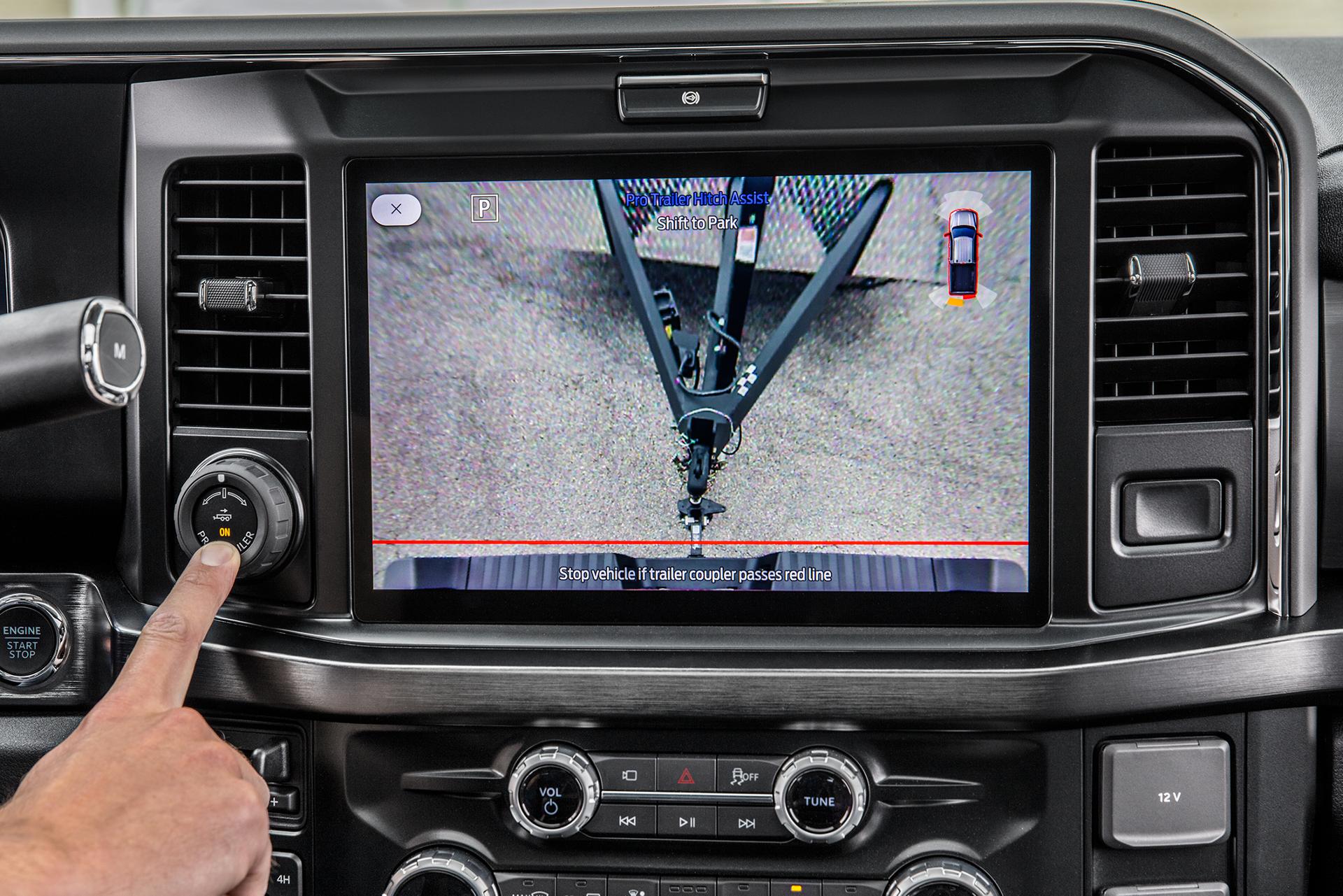
This available feature makes it as easy as turning a knob — simply rotate in the direction you want the trailer to go, and Pro Trailer Backup Assist responds accordingly. 10 Learn more and check out a video tutorial.
No. Ford Co-Pilot360 features rely on hardware installed during assembly of your vehicle.